Key takeaways
A custom AI agent reads a task, decides what to do and does it, with a person checking the parts that matter. Support email triage and replies is a good first example.
We build in stages: read-only draft mode first, then auto-sending for low-risk categories only.
Refunds, complaints and anything the agent is unsure about stay with a person.
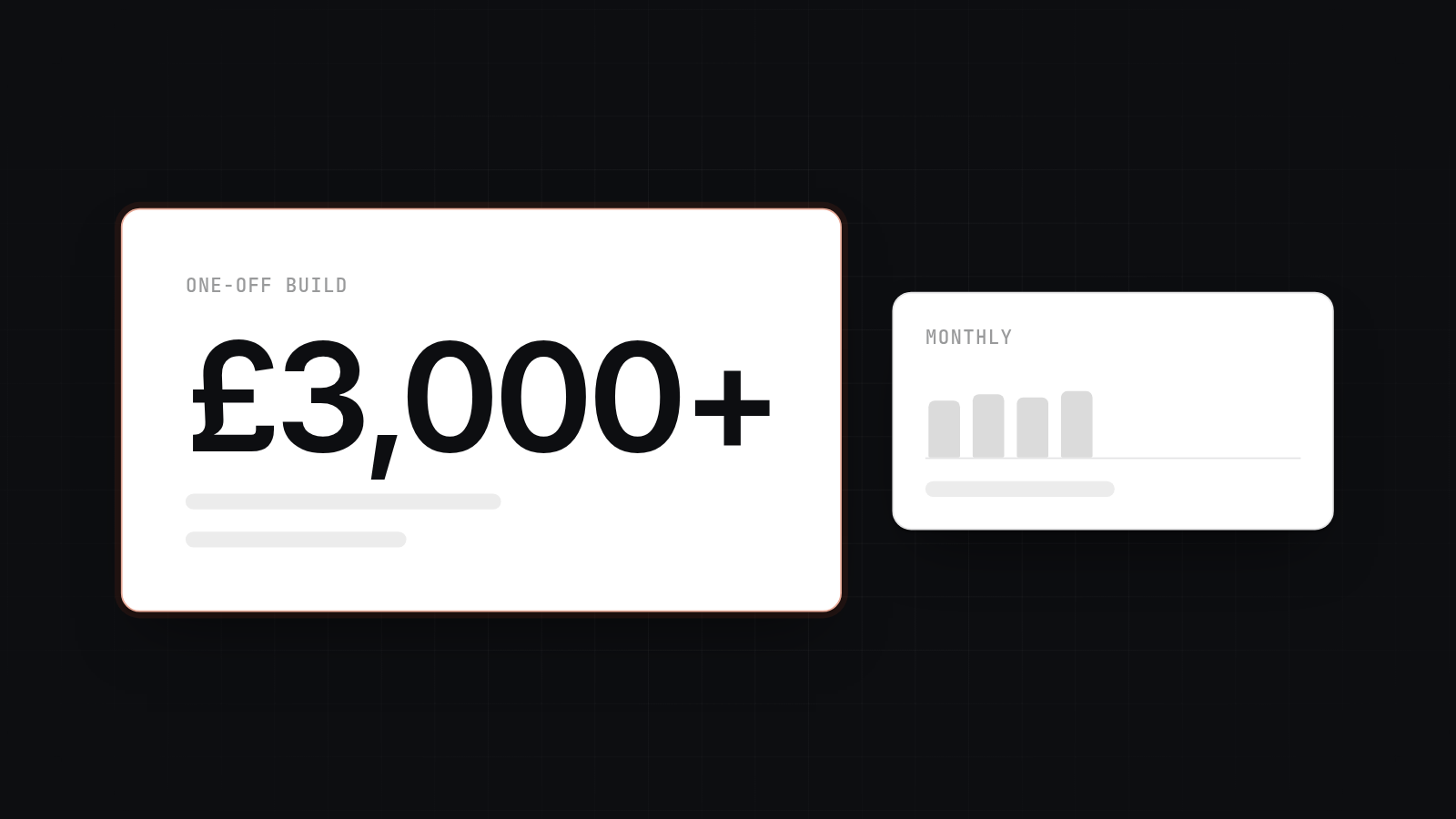
Example build prices run from about £5,000 to £25,000, with timelines of weeks rather than months, plus a small monthly running cost.
ChatGPT by hand, a helpdesk bot or a vendor list can each be enough in some cases. We say when below.
A software team can build an AI agent that handles customer support emails, as long as it can connect to your inbox and your order or account data, write the logic around an AI model, and test it before it sends anything. For a small UK business that usually means a custom software agency or an experienced freelancer. A helpdesk bot or a ChatGPT subscription can be enough for simpler needs. We are a Glasgow-based team that builds AI agents. This post covers what the agent does, how we build it, what it costs and how to choose a builder.
What a custom AI agent does with support emails
A custom AI agent for support email reads each incoming message, works out what it is about, looks up the facts, drafts a reply and either sends it or hands it to a person. "Agent" just means software that takes a task and acts on it, instead of waiting for you to paste text into a chat window.
For a support inbox the steps look like this:
- Classify the email. Is it a delivery question, a password problem, a refund request, a complaint or something else?
- Pull the facts. The agent looks up the order, the customer's account and the relevant part of your policy. It works from your data, not from guesses.
- Draft a reply. The reply uses your tone and the facts it found, and it can say which records it used.
- Decide what happens next. Low-risk categories can be sent. Anything else goes to a person with the draft attached.
The lookup step matters most. A reply that says "your order shipped on Tuesday" is only useful if the agent read the real order record. That is the main reason a custom build can beat a generic tool: it connects to your own systems.
How we build it in stages
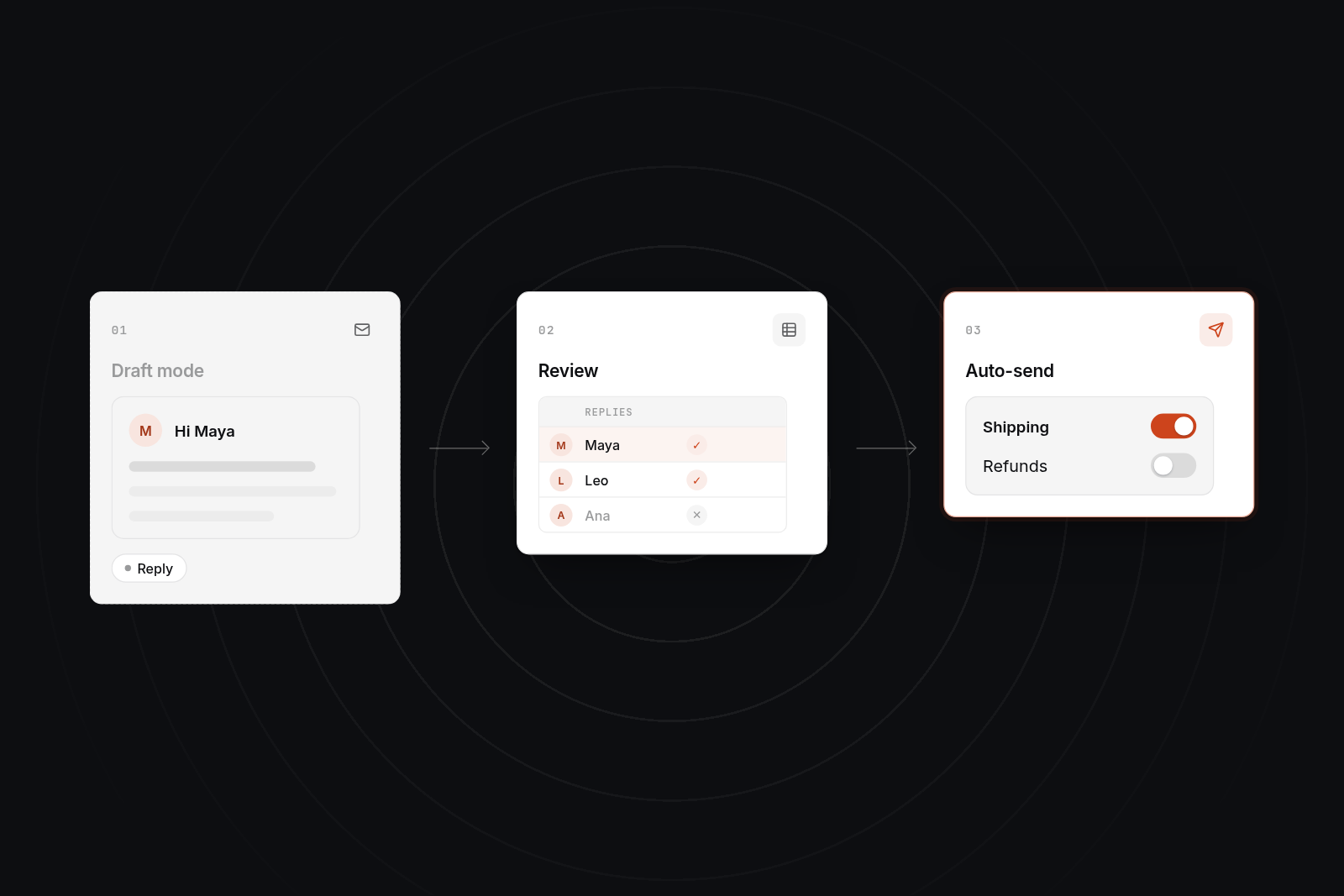
We build in three stages, starting with a version that cannot send anything and widening its permissions only when the results justify it. Each stage has a clear check before the next one starts.
Stage 1: read-only draft mode
The agent reads incoming emails and writes draft replies into a log or into your inbox as drafts. Nothing goes to a customer. Your team reads the drafts, edits them and tells us where they are wrong. This stage usually runs for one to two weeks and gives us a real set of examples with known good answers.
Stage 2: review and tuning
We compare drafts against what your team would have sent. We fix the lookups that fail, tighten the categories and add the policy rules the agent missed. We also set a confidence threshold, so an email the agent finds unclear is flagged instead of answered.
Stage 3: auto-send for low-risk categories
Once a category has a track record, such as "where is my order" or "opening hours", the agent can send those replies itself. Everything else stays as a draft. We add categories one at a time, and we can switch any of them back to draft mode in a minute.
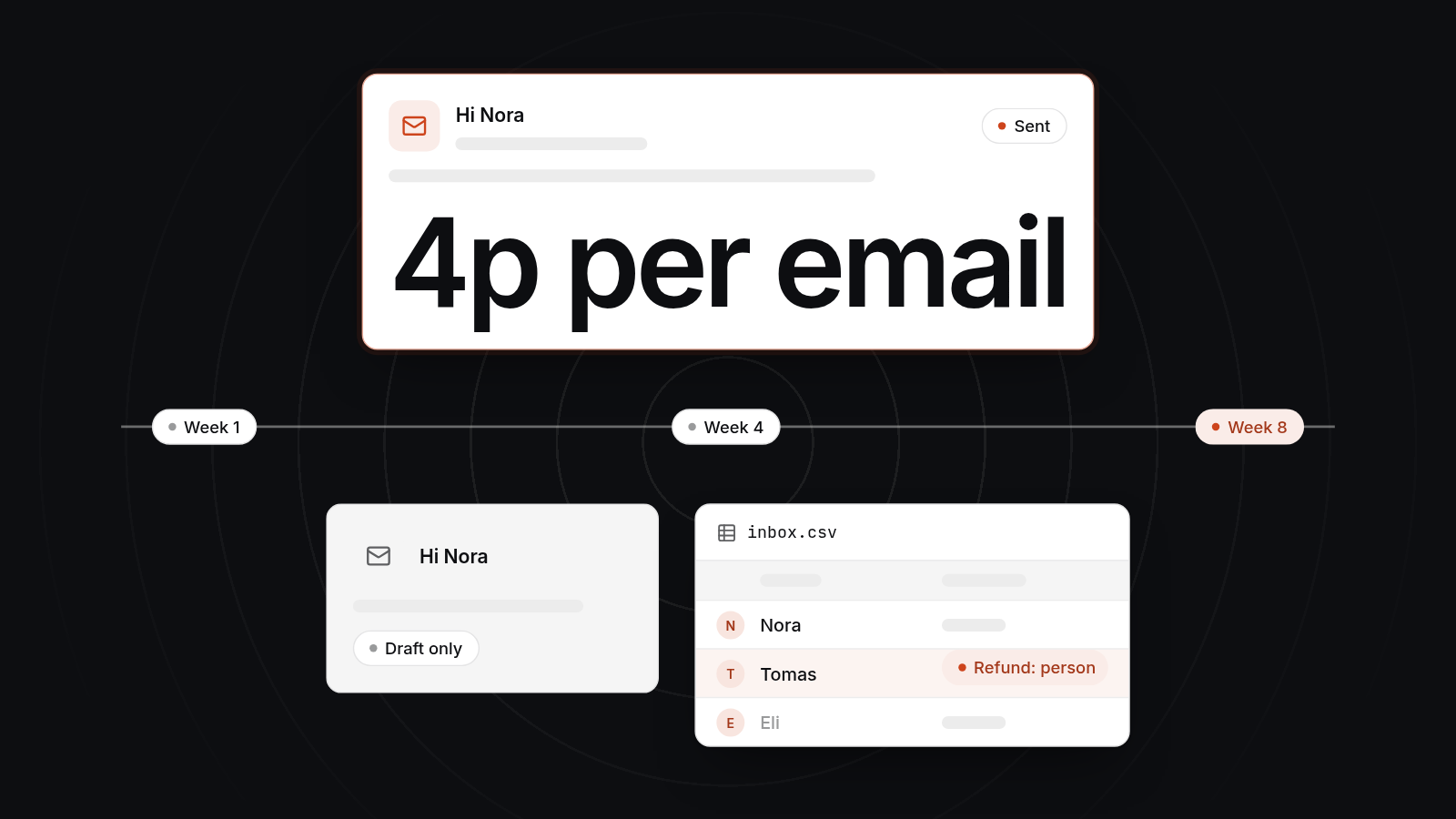
A realistic example timeline is 4 to 8 weeks from kick-off to the first auto-sent category. It depends on how tidy your data is and how many systems the agent has to read.
Where a person stays in the loop
A person stays in the loop for refunds, complaints and anything the agent is unsure about. The rule is simple: the agent can be wrong in a cheap way, but not in an expensive way.
- Refunds and payments. The agent can gather the order details and draft a response. A person approves before money moves or a promise is made.
- Complaints. An unhappy customer needs a person. The agent flags the email, summarises the history and drafts a starting point.
- Low confidence. If the agent cannot match the email to a category or cannot find the record, it passes the email on with a note saying why.
- Legal, medical or safety topics. These always go to a person.
We also keep an audit log of every email, every lookup and every decision, so you can see why the agent did what it did.
What it costs to build and to run
A focused support email agent typically costs between about £5,000 and £25,000 to build, with a monthly running cost of tens to a few hundred pounds. These are examples to help you budget, not quotes. Your own scope can sit outside them. For a wider view of chatbot-style builds, see our cost to build an AI chatbot trained on your own documents.
| Scope | Example price | Typical timeline |
|---|---|---|
| Triage and draft replies from one inbox and one data source, draft mode only | £5,000 to £10,000 | 3 to 5 weeks |
| Triage, lookups across two or three systems, auto-send for low-risk categories, review dashboard | £10,000 to £18,000 | 5 to 8 weeks |
| Several inboxes, multiple systems, approval flows for refunds, detailed reporting | £18,000 to £25,000 and up | 8 to 12 weeks |
What moves the price up:
- Number of systems. Each one the agent reads from adds build and test time.
- Data condition. Messy order records or out-of-date policy documents need cleaning first.
- Approval flows. A refund approval step with a proper interface is more work than a simple flag.
- Testing. We run a set of real emails with known good replies before launch and again after changes.
Running costs
Running costs have three parts. Hosting is typically £20 to £100 a month. Model usage is charged by the amount of text sent and received, and at modest volume it is often tens of pounds a month. Upkeep is the third, and we suggest budgeting 15% to 25% of the build cost each year. We measure real usage during testing and give you a monthly estimate before launch.
How the agent is run after launch
After launch, an agent needs regular checking, because your emails, your policies and the underlying model all change. We set up four routines.
- Logging. Every email, lookup, draft and decision is recorded, so a bad reply can be traced to its cause.
- Accuracy checks. Someone reviews a sample of sent replies, weekly at first and then monthly, against what a person would have written.
- Cost per email. We track model spend per email and alert you if it climbs. A looping task or a spike in volume can raise the bill quickly if nobody is watching.
- Policy updates. When your returns policy, prices or opening hours change, the agent's source material changes the same day, and we re-run the test set.
If the checks show a category slipping, it goes back to draft mode until fixed. For more on keeping an agent reliable, see our guide to AI agents.
Builder, ChatGPT, helpdesk bot or vendor list
A builder is the right choice when the agent has to act on your own data, and each of the other options is enough in some situations. The table includes us, and says what we do not do.
| Option | Enough when | Falls short when |
|---|---|---|
| ChatGPT used by hand | Low volume. A person pastes in an email and edits the reply. | It cannot see your orders or accounts, and it does nothing unless a person is at the keyboard. Customer data also goes through a manual copy step. |
| Off-the-shelf helpdesk bot | You already use the helpdesk and your questions are answered from public help articles. | Replies depend on your own systems, such as order status or account data, or you want precise control over what it can do. |
| A vendor list or marketplace | You want to compare options and have time to vet each one. | Lists show who is available, not who has built something similar for a business your size. |
| AppBespoke | The agent needs to read your own systems, follow your rules and hand over to a person. We build in stages with fixed-scope quotes, and you own the code and accounts. | We do not train models from scratch, build enterprise helpdesk platforms or run large AI research programmes. If a helpdesk bot covers your needs, we will say so. |
Try the cheapest option that works first. Custom work is easier to justify once you can point at what the simpler tool could not do.
What to ask a builder
Ask for a working example, a fixed first phase and clear ownership. A good builder answers these without fuss. If you are still building your shortlist, our guide to who can build an AI tool for your business in Scotland is a good place to start.
- Ask whether they have built something like this. Ask to see a comparable workflow running, even if it is a different industry.
- Ask how it connects to your systems. Name the actual inbox, order system and CRM.
- Ask where a person approves. Get the refund and complaint rules in writing.
- Ask how you will know it works. Expect measures such as accuracy on a sample, response time and cost per email.
- Ask who owns the code, prompts and accounts. The answer should be you.
- Ask what it costs each month. Request model usage as a separate estimate.
- Ask what happens if you stop. You should be able to leave with everything.
Next step
If you are weighing up a support email agent, book a 30-minute video call with us. We will look at your inbox, your systems and your volumes, and tell you honestly whether a custom agent, a helpdesk bot or ChatGPT by hand is the better fit. If a build makes sense, the next step is a £750 technical planning day, where we map the data, set the stages and give you a fixed-scope quote.
FAQ
FAQs
Who can build an AI agent that handles customer support emails?
A software agency or experienced freelancer with API and AI model experience can build one. Automation specialists can also set up simpler versions on platforms like Make or Zapier. Choose based on how many of your own systems the agent has to read and act on. The more it connects to, the more it favours a custom build.
Can I use ChatGPT for customer service?
Yes, for low volume. A person can paste an email into ChatGPT, check the draft and send it. It saves typing time but not checking time, and it cannot look up orders or accounts by itself. If volume is rising or replies depend on your own data, a connected agent is the next step.
Are there AI agents that can respond to your emails for you?
Yes. Helpdesk platforms include AI agents, and a custom agent can be built to read your inbox and reply. We usually start in draft mode, so you see every reply before anything is sent, then allow auto-sending for low-risk categories only.
What is the best AI agent for customer service?
There is no single best one. A helpdesk's built-in bot suits standard questions answered from public articles. A custom agent suits businesses whose replies depend on order, account or policy data held in their own systems. Match the tool to the job, and test it on your real emails.
How can I give users access to AI agents?
It depends on who the users are. For staff, the agent can work inside the inbox or a small internal tool. For customers, it can sit behind a chat widget or a customer portal, where it knows who is logged in. Either way, set permissions so each user sees only their own data.