Key takeaways
Start with one spreadsheet: the one that causes the most errors or rework.
A first release is login and roles, a clean data model, the core workflow, and import of your existing data.
Build the customer portal after the internal data is reliable, not before.
Airtable, off-the-shelf portals and low-code are the better choice for some jobs. We say which below.
Plain, well-tested code, small releases and clear ownership of the codebase keep the tool cheap to change.
To replace spreadsheets with a web app, pick the one spreadsheet that causes the most errors or rework and build a small internal tool around that single workflow. Don't rebuild everything at once. Once the internal data is reliable, add a customer portal on top of it. In the UK, a first internal tool usually costs £10,000 to £25,000 and takes six to ten weeks.
This post is for operations managers whose processes run on shared spreadsheets, email and manual copying. We cover how to spot a spreadsheet that has outgrown its job, what to build first, what a first release contains, typical scope and price, and when Airtable, off-the-shelf portals or low-code are the better choice.
How do you know a spreadsheet has outgrown its job?
A spreadsheet has outgrown its job when the process around it takes more effort than the work it records. Three signs show up again and again.
Version clashes
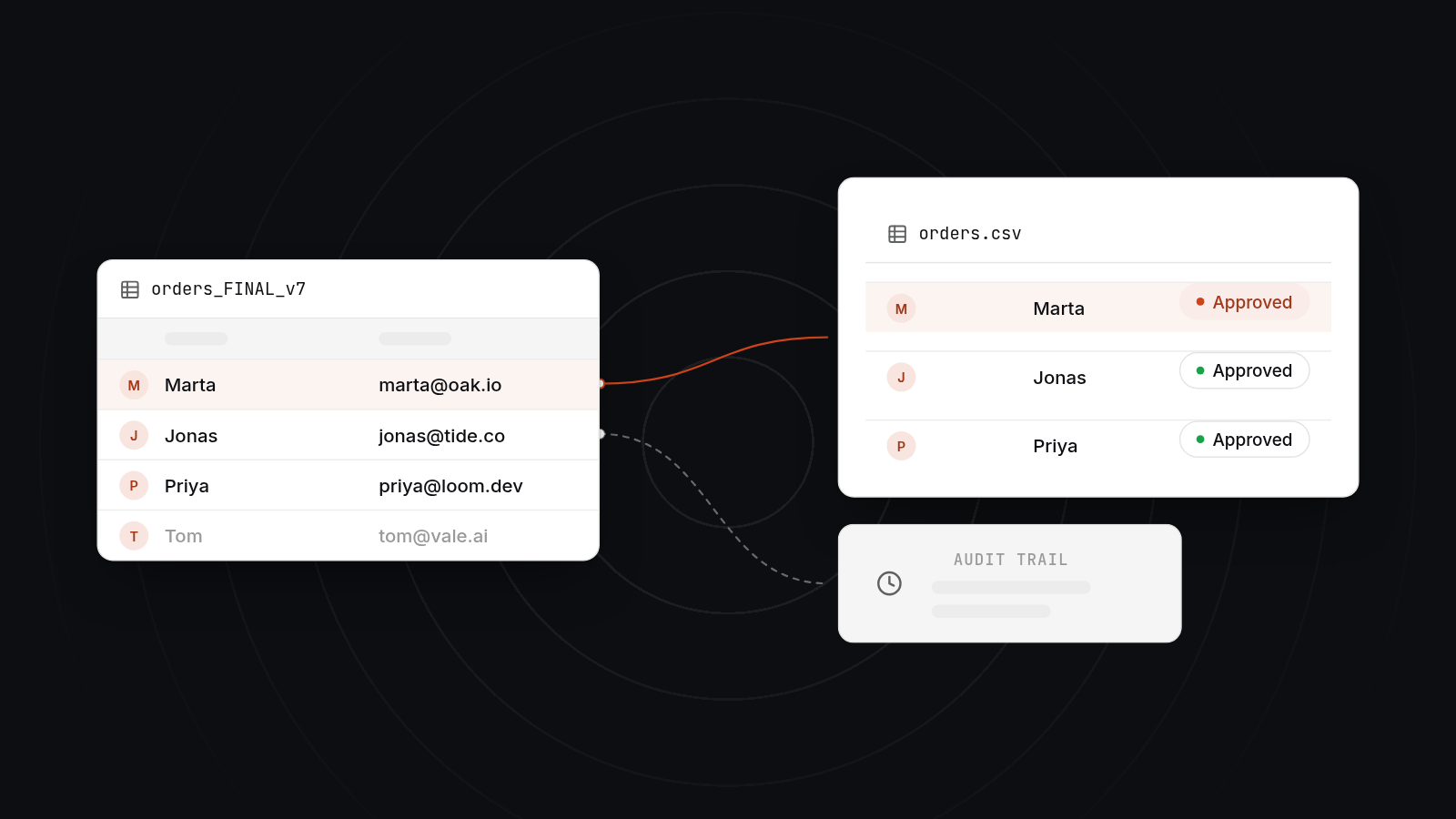
Two people edit at once, or someone saves a copy to email. Now there are two "latest" versions and someone has to reconcile them by hand. If your team adds "FINAL" or "v2" to file names, this is already happening.
No audit trail
When a number changes, you can't tell who changed it, when, or why. That matters for approvals, pricing, stock and anything a customer might dispute. A spreadsheet can hold a history of sorts, but it doesn't give you a reliable record of decisions.
One person who understands it
The formulas, the hidden tabs and the colour coding live in one person's head. When they are on holiday, things slow down. When they leave, you have a real problem. This is the strongest signal of the three, because the risk is to the business, not just the spreadsheet.
Other signs are copying data from one sheet into another each week, rows that nobody dares delete, and errors that customers find before your team does.
What should you build first?
Build the workflow where errors and rework cost you most, not the biggest or most visible spreadsheet. Ask where mistakes get found late, which sheet people dread updating, and which one other teams wait on.
A quick way to choose is to list your spreadsheets and score each on three things:
- How often it causes an error or a correction.
- How many people depend on it.
- How much time goes on copying data in or out of it.
The sheet with the highest combined score is your first build. It is often an order tracker, a job schedule, a stock or asset register, or a quote and approval log.
Don't try to rebuild all of them in one project. A big-bang rebuild takes longer, costs more, and delays the day anyone sees a benefit. One workflow, built well, teaches you how your team really uses the tool, and that shapes the second build.
What does a first release usually contain?
A first release contains four things: login and roles, a clean data model, the core workflow, and import of your existing data. Anything beyond that can wait for a later release.
Login and roles
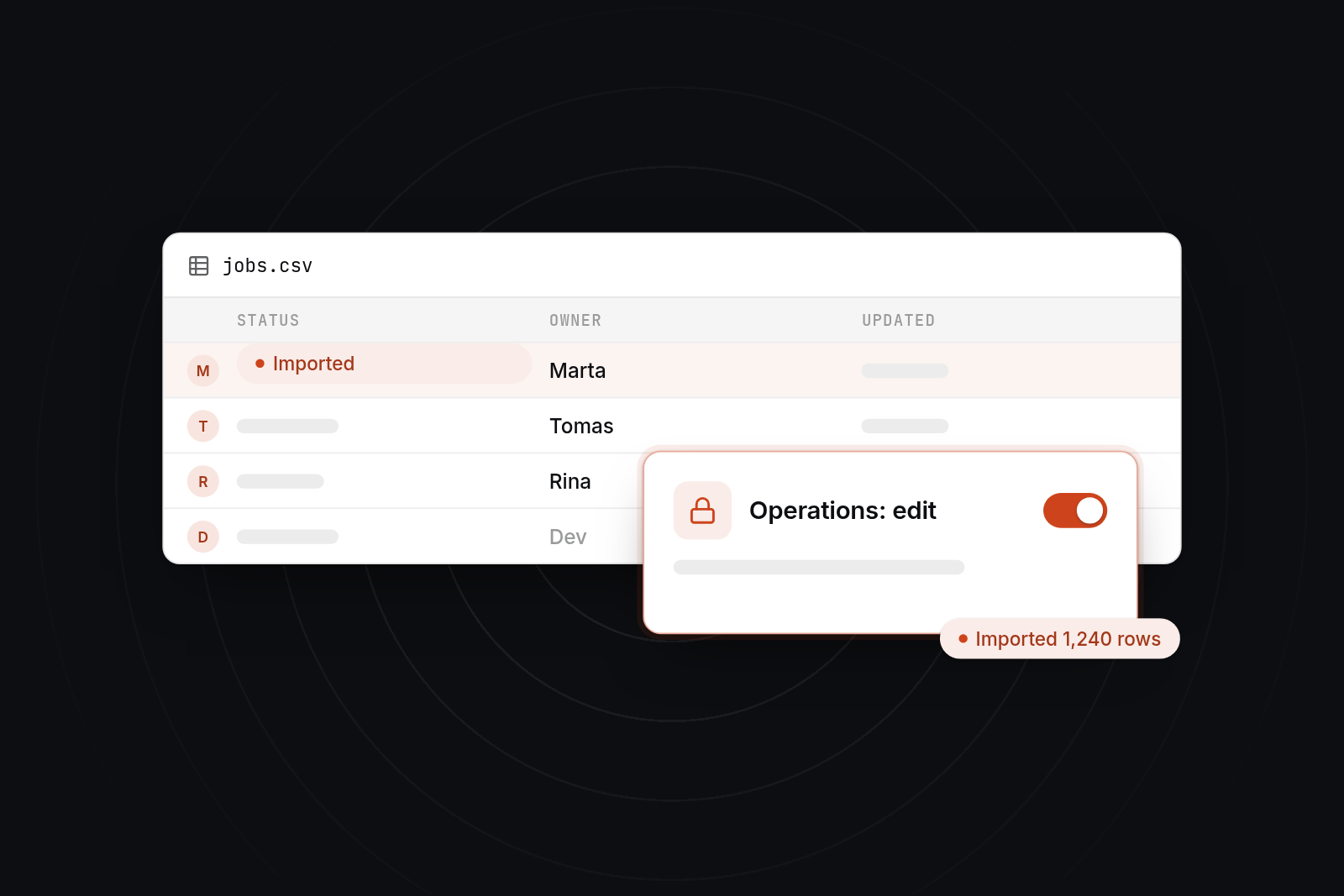
Each person logs in with their own account. Roles decide who can view, edit or approve. This alone fixes version clashes and starts an audit trail, because every change is tied to a person.
A clean data model
Users never see this work, and it matters most. We turn the columns of your spreadsheet into properly related records: customers, jobs, products, statuses. Duplicates are resolved, free-text fields become choices where that makes sense, and rules stop bad data going in. A clean model makes later features, including a customer portal, cheap to add.
The core workflow
This is the one process you chose in the previous step. A request comes in, it is assigned, it moves through statuses, someone approves it, and it is marked done. The tool replaces the copying and emailing around that flow with a screen per step and clear ownership.
Import of existing data
You shouldn't have to retype years of records. We import your current spreadsheet data, check it for gaps and duplicates, and agree what to clean before it goes in. Run the old sheet and the new tool side by side for a short time, so your team can confirm the numbers match before you retire the spreadsheet.
What do an internal tool and a customer portal cost?
A first internal tool typically costs £10,000 to £25,000 and takes six to ten weeks. A customer portal typically costs £20,000 to £60,000 and takes ten to sixteen weeks. These ranges are for budgeting, not quotes, and your scope can sit outside them. For wider figures, see our guide to how much it costs to build a custom web application.
| Internal tool | Customer portal | |
|---|---|---|
| Typical scope | One workflow, roles, data model, import, basic reporting | Customer login, their own orders or documents, messaging or requests, links to internal data |
| Typical price | £10,000 to £25,000 | £20,000 to £60,000 |
| Typical timeline | 6 to 10 weeks | 10 to 16 weeks |
| What moves the price | Number of roles, workflow steps, messy data, integrations | Number of customer-facing features, security needs, integrations with accounting or CRM |
Price rises with the number of roles, the number of steps in the workflow, how messy the existing data is, and how many other systems the tool must talk to. A tool that connects to accounting software or HubSpot costs more than one that stands alone.
Why the portal comes second
A customer portal shows your internal data to people outside the business. If that data is wrong or inconsistent, customers see the errors. Once the internal tool has run for a while and the data is trusted, the portal is mostly a controlled view of it. That makes it smaller, cheaper and safer than building both at once.
When are Airtable, off-the-shelf portals or low-code the better choice?
They are the better choice when your process is standard, your user numbers are small, and you can accept the platform's limits. We build custom software, but it isn't the right answer to every spreadsheet. Our comparison of bespoke software vs low-code and no-code platforms goes into more detail.
| Option | Best when | Watch for |
|---|---|---|
| Airtable | A small team, a simple process, and people who are happy to maintain it themselves | Costs rise per user, and complex logic and permissions get awkward |
| Off-the-shelf portal software | Your needs are standard, such as file sharing, invoices and messaging | You adapt to its workflow, and extra features mean extra fees |
| Low-code (Retool, Power Apps and similar) | An internal tool with few users that sits on an existing database or Microsoft 365 | Subscription costs grow, and you are tied to the platform |
| AppBespoke custom build | A workflow specific to your business, growing user numbers, or data and permissions that tools struggle with | A higher upfront cost, and a fixed annual cost to maintain it |
AppBespoke designs and builds custom web applications for growing businesses, mainly in Scotland and the UK. We build internal tools, customer portals and APIs. We'd tell you to use Airtable if five people need a shared tracker and nobody needs strict permissions. We don't offer open-ended hourly retainers, and we're not the right fit if you want a tool configured on a platform with no custom code. Our custom software development service covers the builds described in this post.
How does the tool stay cheap to change?
A custom tool stays cheap to change when it is built from plain, well-tested code, released in small steps, and clearly owned by you.
Plain, well-tested code
We use common, well-understood technology and avoid clever shortcuts. Automated tests check that existing behaviour still works when something changes. That lets a new developer, ours or yours, pick the code up without fear of breaking it.
Small releases
We ship in small pieces, often weekly. A small change is quick to review, quick to test and easy to undo. Large, infrequent releases carry more risk and cost more to fix when they go wrong.
Clear ownership of the codebase
You own the code, the repository and the infrastructure accounts. Nobody can hold the tool hostage, and you can move to another supplier if you need to. Running costs for hosting, security updates and small changes are agreed in advance, so there are no surprises. The yearly cost to maintain a custom web application is worth budgeting for from the start.
Next step
If a spreadsheet in your business has outgrown its job, book a 30-minute video call with us. We'll talk through which workflow to start with and whether custom software, Airtable or another option fits. If it is a fit, the next step is a £750 technical planning day, where we define the scope, the data model and a fixed-price quote for the first release.
FAQ
FAQs
How can I build my own customer portal?
You can build a simple one yourself with a no-code tool such as Softr or Glide connected to Airtable or a database. That works for small, standard portals with few users. If the portal needs live data from your internal systems, role-based permissions or an audit trail, a custom build is usually safer. Either way, get the internal data in order first.
What is the best client portal for small businesses?
It depends on what the portal must do. If you need file sharing, invoices and messaging in a standard form, an off-the-shelf client portal product is usually the quickest and cheapest route. If the portal must show data from your own system, such as orders, job status or account history, a custom portal built on top of your internal tool fits better.
What are some examples of customer portals?
Common examples are an order and delivery tracker, a document and invoice area, a job or project status page, a booking and rescheduling screen, and a support request log. Each shows a customer a controlled view of data your team already maintains.
Do we need to replace every spreadsheet?
No. Replace the ones that cause errors, rework or risk. A spreadsheet used for a quick calculation or a one-off analysis is doing its job. Moving it into software adds cost without much benefit.
How long does it take to move off a spreadsheet?
A first internal tool takes six to ten weeks to build, plus a short period of running it alongside the old spreadsheet so your team can check the numbers match. After that, further workflows are added in small releases.