Key takeaways
Try the native Xero sync first. It covers contacts, products, invoices and payments, and costs nothing beyond your HubSpot subscription.
Custom work is worth paying for when you need custom objects, bespoke invoicing rules, or reliable two-way updates the connector cannot give you.
Decide which system owns each field before anyone writes code. Most sync problems are ownership problems.
Budget for maintenance. An integration is a running service, not a one-off job.
Agencies, freelancers, Zapier or Make, and a software studio each suit a different job. We say which below.
Start with the native or marketplace connector before you commission HubSpot custom integrations. Pay for custom API work only when your data model, volume or rules outgrow it. For Xero, that means installing the Data Sync app first and finding out where it stops. For your own database or internal app, you will usually need a small custom build, because there is rarely a ready-made connector.
We are a Glasgow-based team that builds web applications and integrations. This post is for operations and sales leaders who use HubSpot and need it to agree with Xero, a customer database or an internal app. We cover how the native Xero sync works, where it stops, when to build on the HubSpot API, how to map data, what maintenance costs, and which type of UK supplier suits which job.
How the native HubSpot and Xero sync works
The native sync is the Xero (Data Sync) app, installed from the HubSpot App Marketplace. It syncs contacts, products, invoices and payments between the two systems. For each object you choose a one-way or two-way sync.
To connect HubSpot to Xero, you need to be a Super Admin or have App Marketplace permissions in HubSpot. You also need enough access in Xero to authorise a connected app. The steps are short:
- Open the App Marketplace in HubSpot and install the Xero app.
- Sign in to Xero, choose the organisation and allow access.
- Set up each sync (contacts, products, invoices, payments), choosing direction, filters and field mappings.
- Review the settings and turn the sync on.
Custom field mappings need at least Data Hub Starter. The default fields sync without it.
Read the review screen carefully before you switch on. A sync with loose filters can pull in years of historical records you did not mean to move. HubSpot also suggests talking to your accounting and legal teams about whether the invoice features suit your needs before you connect.
What the invoice sync is good at
The two-way invoice sync suits small businesses that run billing from HubSpot: invoices created by hand, subscriptions, or deals and quotes converted into payable invoices. It also works well in the simpler direction, where Xero invoices and payments appear on the HubSpot record, so sales can see what a customer owes without asking finance.
Where the native Xero sync stops
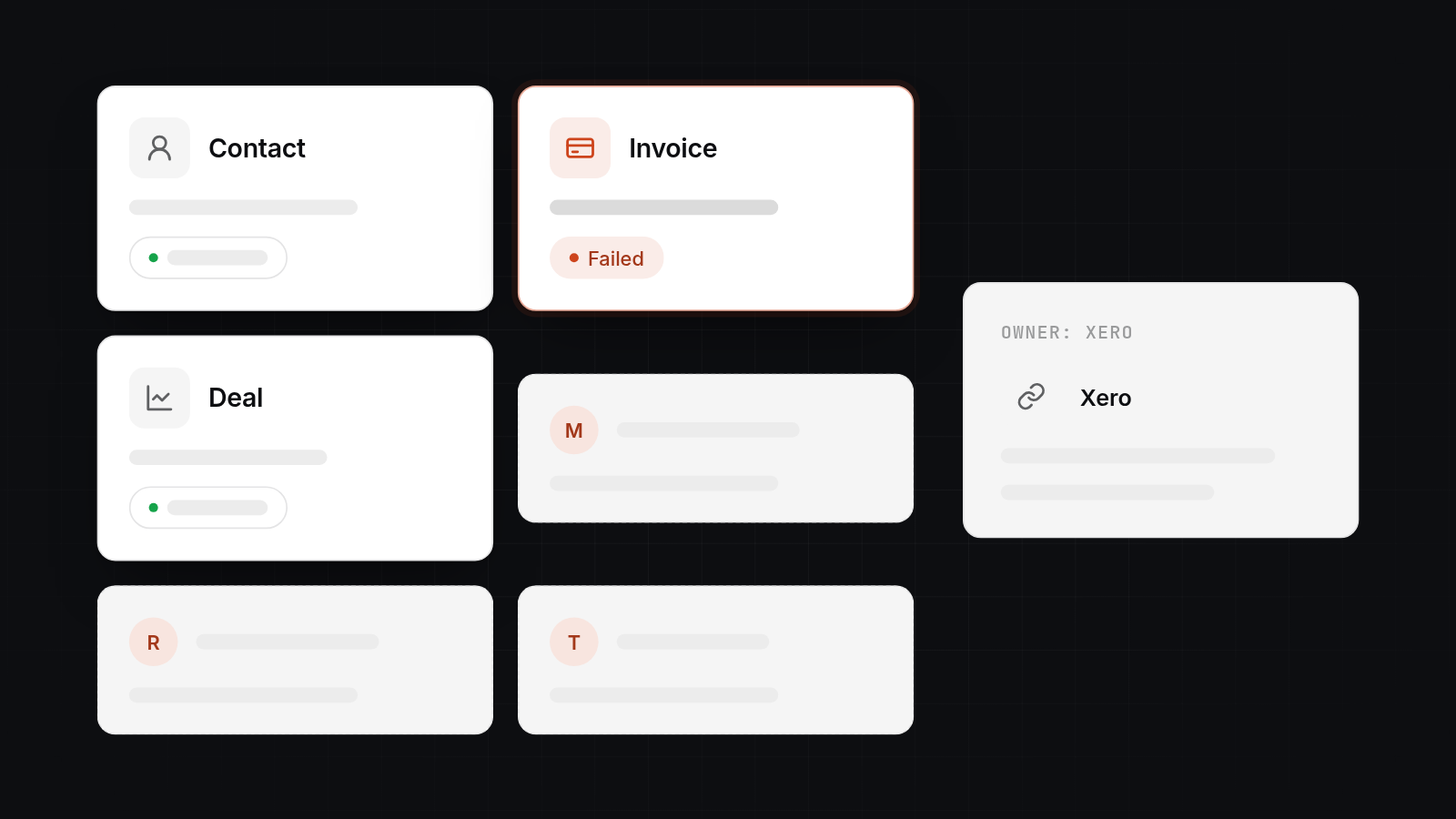
It stops at custom objects, bespoke invoicing rules and anything that depends on strict two-way updates. The connector handles standard objects with standard behaviour. Once your process departs from that, you are working around it.
Custom objects and bespoke rules
The sync covers contacts, products, invoices and payments. If you track jobs, contracts, assets or projects as custom objects in HubSpot, the connector does not carry them into Xero. Rules such as "raise a multi-line invoice with staged amounts when a deal reaches Closed Won" are also outside what the settings pages offer.
Editing and failed invoices
HubSpot's documentation lists several behaviours that catch people out:
- Invoices created in HubSpot need to be edited in HubSpot. Edit them in Xero and the invoice fails to sync. Invoices created in Xero can be edited in Xero.
- Invoices with tracked inventory items that have insufficient stock in Xero will not sync.
- Changing a product SKU in HubSpot after it is on a synced invoice stops that invoice syncing until you remove and re-add the line item.
- Invoices that use HubSpot's automated sales tax do not sync from HubSpot to Xero. Tax rates come from Xero, so set them up there before turning on outbound or two-way invoice sync.
None of these is a flaw if your finance team works the way the connector expects. They are a problem if finance edits invoices in Xero as routine.
Your own database or app
There is usually no marketplace connector for an internal app or a bespoke database. If a supported connector does exist for your database and the rules are simple, use it. Otherwise this is where custom work begins.
When to build on the HubSpot API instead
Build on the HubSpot API when the connector cannot express your rules, when volume or timing demands more control, or when HubSpot has to agree with a system that has no connector. Don't build because a custom integration sounds more solid. It costs more to run.
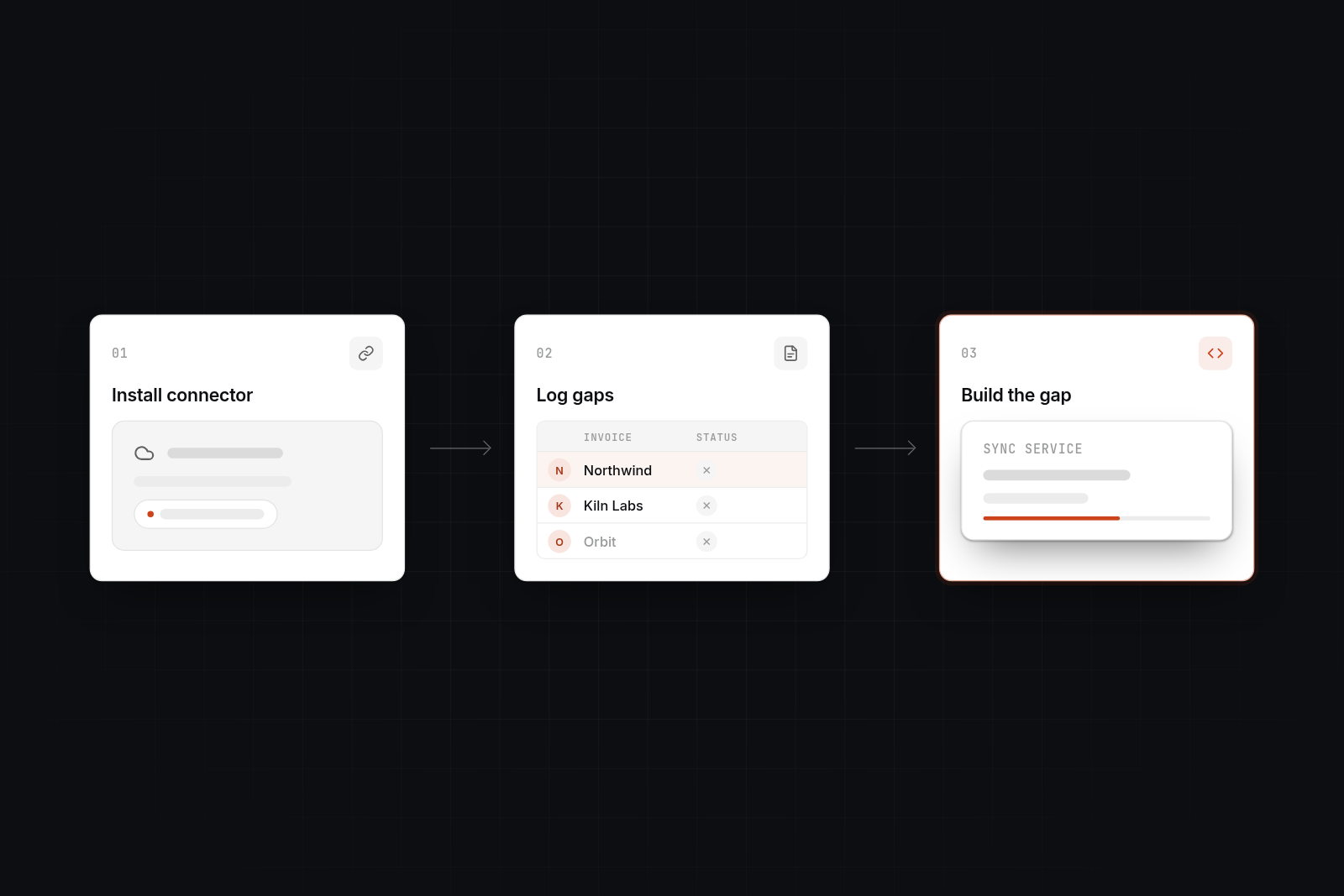
A sensible order is:
- Install the native or marketplace connector.
- Run it for a few weeks and log what fails or needs manual fixing.
- Build custom work for those gaps only.
Webhooks, rate limits and the HubSpot API
HubSpot's REST APIs let your system create and update CRM records. Webhooks send a POST request to your endpoint when a subscribed event happens, such as a contact update or a deal stage change. That saves you polling HubSpot constantly.
Two things need planning. First, rate limits: bulk jobs and busy periods can hit them, so use batch endpoints and a queue that retries. Second, authentication. A private app token suits a single HubSpot account. If the integration serves several HubSpot accounts, use OAuth. Check HubSpot's current developer documentation for authentication and webhook requirements, as they change.
A middle layer with one source of truth
When three or more systems are involved, connecting each pair directly gets messy fast. A small middle layer keeps the logic in one place. It is a service you own that sits between HubSpot, Xero and your app, and it holds the matching rules, the field ownership rules and the retry queue. Each system talks to the layer, not to the others.
The layer also gives you a log of what moved and what failed, which the connector settings page does not.
How to map data between HubSpot, Xero and your own app
Decide which system owns each field, how records are matched, and what happens to duplicates and failures. Do this on paper before development starts. It is the cheapest part of the project and the most expensive to skip.
Which system owns each field
Make a table with one row per field and one owner per row.
| Field | Owner | Why |
|---|---|---|
| Company name and sales contacts | HubSpot | Sales edits these daily |
| Billing address, VAT number, payment terms | Xero | Finance controls them |
| Account status, plan, usage | Your app | It generates them |
| Deal stage and owner | HubSpot | Pipeline is managed there |
Other systems read a field they do not own. They do not write it back. That one rule removes most conflicts and most sync loops.
Matching records and handling duplicates
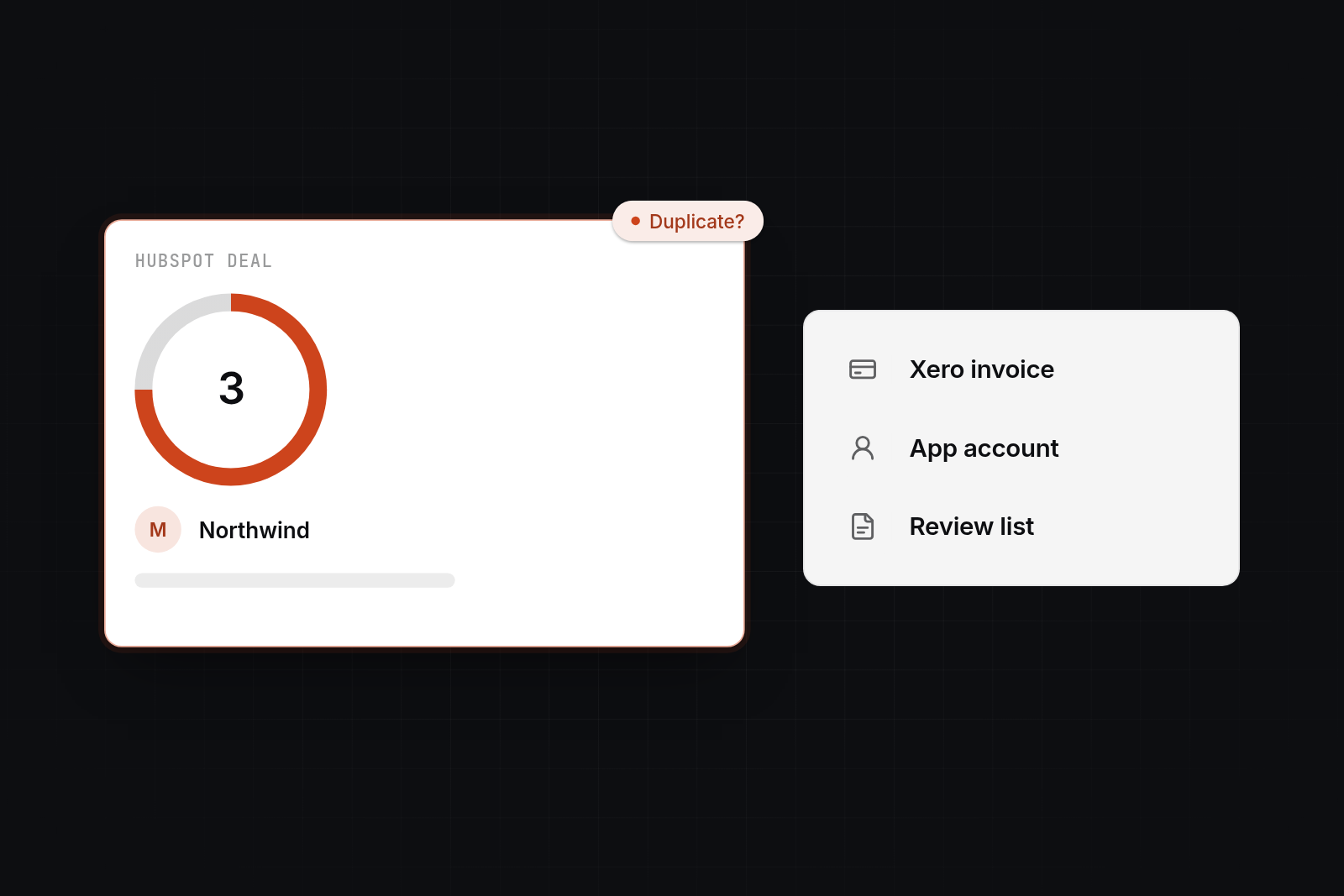
Do not match on name or email alone. Store each system's record ID against the other: the HubSpot record ID in your database, and an external ID property in HubSpot for your app's identifier. Match on those IDs first, then fall back to email or company number for records that have no link yet. Duplicates that cannot be matched with confidence go to a manual review list, not into an automatic merge.
Failed syncs
Every integration fails sometimes: an API outage, a validation error, a record edited in two places. Retry temporary failures automatically, record permanent ones with a reason, and tell a named person. Mark the origin of each update so a change echoed back from HubSpot does not trigger the same change again.
What custom HubSpot integrations cost in the UK
A small custom integration typically costs £3,000 to £8,000 and takes two to five weeks. A multi-system sync with custom objects and a middle layer typically costs £10,000 to £25,000 and takes six to ten weeks. These ranges are for budgeting, not quotes, and your scope can sit outside them. For broader context, see our guide to the cost of building a custom web application.
| Integration | Typical scope | Example price | Typical timeline |
|---|---|---|---|
| Native connector set-up and tidy-up | Install, mappings, filters, clean-up | £500 to £2,000 | A few days |
| Small custom integration | One direction or one object between HubSpot and one system | £3,000 to £8,000 | 2 to 5 weeks |
| Two-way sync with your app or database | Webhooks, ID matching, queue, error log | £8,000 to £15,000 | 4 to 8 weeks |
| Multi-system build with a middle layer | HubSpot, Xero and your app, custom objects, monitoring | £10,000 to £25,000 | 6 to 10 weeks |
Price rises with the number of objects, how many directions data flows, how messy the existing data is, and how strict the rules are. The other system's API documentation matters too. A well-documented API is quicker than one you have to discover.
What maintenance costs
Plan for an annual running cost, commonly 15 to 20 per cent of the build price, plus hosting. APIs change, HubSpot updates its developer platform, your team adds fields and your process shifts. Without someone responsible for the integration, it works until the day it quietly stops. Ask any supplier who monitors it, how failures are reported and what support includes. Our post on the yearly cost to maintain a custom web application goes into more detail.
Which UK option to choose
Choose the connector for standard needs, Zapier or Make for light automation, a freelancer or HubSpot partner agency for HubSpot-centred work, and a software studio when the integration touches your own application or database.
| Option | Right when | Watch for |
|---|---|---|
| Native or marketplace connector | Standard objects, standard rules, finance edits invoices where the connector expects | Hard limits on custom objects and bespoke rules |
| Zapier or Make | Low volume, simple triggers, such as creating a Xero invoice when a deal closes | Per-task costs rise with volume, complex logic gets fragile, error handling is basic |
| Freelancer | A defined, smaller job, and you can manage the work and accept key-person risk | Availability, handover and who fixes it when they move on |
| HubSpot partner agency | The work is mostly HubSpot: CRM set-up, workflows, custom-coded actions, with marketing and sales process around it | Agency retainers can cost more than the build needs, and some agencies do light coding only |
| AppBespoke | An integration that involves your own database or application, custom objects or a middle layer, with code you own | A higher upfront cost than a connector, and we do not do open-ended hourly retainers or platform-only configuration |
AppBespoke builds custom web applications and APIs, and does HubSpot development and integration work. If you need a HubSpot portal set up for marketing, a partner agency is a better fit. If you have five automations to link and volume is low, use Zapier or Make. Our HubSpot integration service covers the builds described in this post. If you are deciding between an agency and hiring staff, see hiring a dev agency instead of an in-house team.
When you ask anyone for a quote, give them the systems and their API documentation, the objects and fields to sync, the direction, how fast changes must appear, and what should happen on failure. The quotes you get back will then be comparable.
Next step
If you are weighing a connector against custom work, book a 30-minute video call with us. We will look at your systems, say whether the native sync is enough, and give you a straight answer on scope. If it is a fit, the next step is our £750 technical planning day, where we map your data, agree field ownership and produce a plan and price for the build.
FAQ
FAQs
How do I connect HubSpot to Xero?
Install the Xero (Data Sync) app from the HubSpot App Marketplace, sign in to Xero, choose your organisation and allow access. Then set up each sync for contacts, products, invoices and payments, choosing direction, filters and field mappings. You need Super Admin or App Marketplace permissions in HubSpot, and custom field mappings need at least Data Hub Starter.
How do I sync HubSpot with our own database or internal app?
Use HubSpot's REST API to write changes from your system into HubSpot, and webhooks to hear about changes in HubSpot. Store each HubSpot record ID in your database, put a queue with retries between the two, and decide which system owns each field. If a supported connector exists for your database and the rules are simple, try that first.
When is a HubSpot developer for custom integrations in the UK worth paying for?
When the native connector fails regularly, when you need custom objects or bespoke rules, or when HubSpot must agree with your own app. Choose a partner agency for HubSpot-centred work, and a software studio when the integration involves your own application or database.
Can Zapier or Make replace a custom integration?
For low volume and simple triggers, yes. They cope badly with large volumes, complex matching and detailed error handling, and the per-task cost grows. If you find yourself building long chains of steps to handle exceptions, a small custom service would be cheaper to run.