Key takeaways
Cost follows the source platform and the amount of custom behaviour more than the number of products.
Products, customers, orders, content and reviews can usually move. Passwords, some theme logic and some app data cannot.
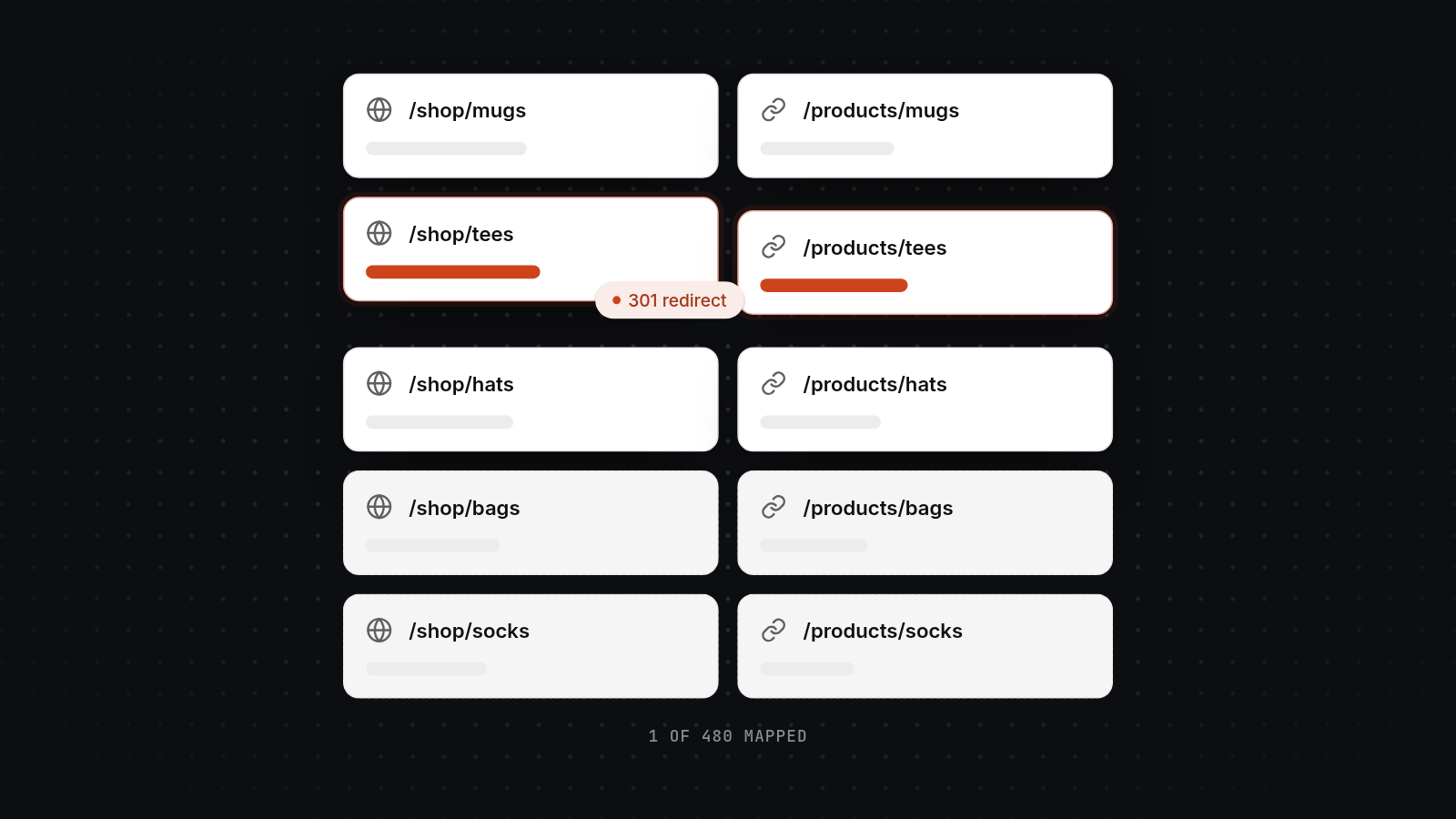
To protect rankings, map every URL, use 301 redirects, keep metadata and structured data, and check Search Console after launch.
Build on Shopify while the old store stays live, then switch DNS at a quiet time. That avoids downtime.
Shopify has running costs of its own, including apps and transaction fees. Budget for them before you commit.
The cost to migrate to Shopify in the UK runs from a few days of fixed-price work for a small catalogue to several weeks for a large Magento store with custom pricing or integrations. The price depends on the platform you leave and how much custom behaviour has to be rebuilt. Mostly it is a data and redirect job, not a redesign.
We are a Glasgow-based team that builds web applications and Shopify stores. This post covers realistic UK price ranges and timelines by platform, what moves and what does not, how to protect your search rankings, how to avoid downtime, and when you can do it yourself.
What it costs to migrate to Shopify by platform
Cost depends mainly on which platform you are leaving, then on catalogue size, data quality and custom features. The figures below are examples to help you budget, not quotes. Your scope can sit outside them.
| Moving from | Example fixed price | Typical timeline | What drives the price |
|---|---|---|---|
| Squarespace | £500 to £2,500 | A few days to 2 weeks | Small catalogue, few apps, pages and blog to move |
| Wix | £500 to £3,000 | A few days to 3 weeks | Variant options, blog and pages, Wix-specific features |
| WooCommerce | £2,500 to £10,000 | 2 to 6 weeks | Plugins, custom fields, orders, subscriptions |
| BigCommerce | £3,000 to £12,000 | 3 to 6 weeks | Product options, customer groups, apps, redirects |
| Magento | £8,000 to £30,000 | 4 to 10 weeks | Large catalogue, custom pricing, integrations |
Theme design is a separate line. A well-made existing theme with adjustments costs far less than a fully custom build, and we would suggest starting there. Our post on Shopify theme customisation costs breaks this down further.
Squarespace and Wix
These are the cheapest moves. The catalogues are usually small and the logic is simple. The work is mostly exporting, tidying data, rebuilding pages and mapping URLs. Layouts do not transfer from either platform, so pages are rebuilt in a Shopify theme. Wix allows more variant options than Shopify's three, so a store with products using more than three options needs metafields or an app.
WooCommerce
WooCommerce stores often carry plugins that did a job nobody remembers. Part of the work is finding out what each plugin does and deciding whether Shopify needs an equivalent. Orders, reviews, coupons and subscriptions need extra care. A plain catalogue with no subscriptions sits at the low end. A store with custom fields, memberships or bespoke checkout rules sits at the top.
BigCommerce
BigCommerce moves are usually cleaner than Magento ones. Take care with product options and modifiers, which Shopify handles differently, and with redirects and apps. Shopify caps products at 100 variants and three options, so check how your option sets translate before you agree a price.
Magento
Magento stores tend to have a large catalogue and custom logic, such as pricing rules by customer group or links to stock and accounting systems. That is where price and timeline stretch. A large store with custom pricing or integrations is several weeks of work. The integrations are often the biggest line, because each one has to be rebuilt or replaced.
What moves to Shopify and what does not
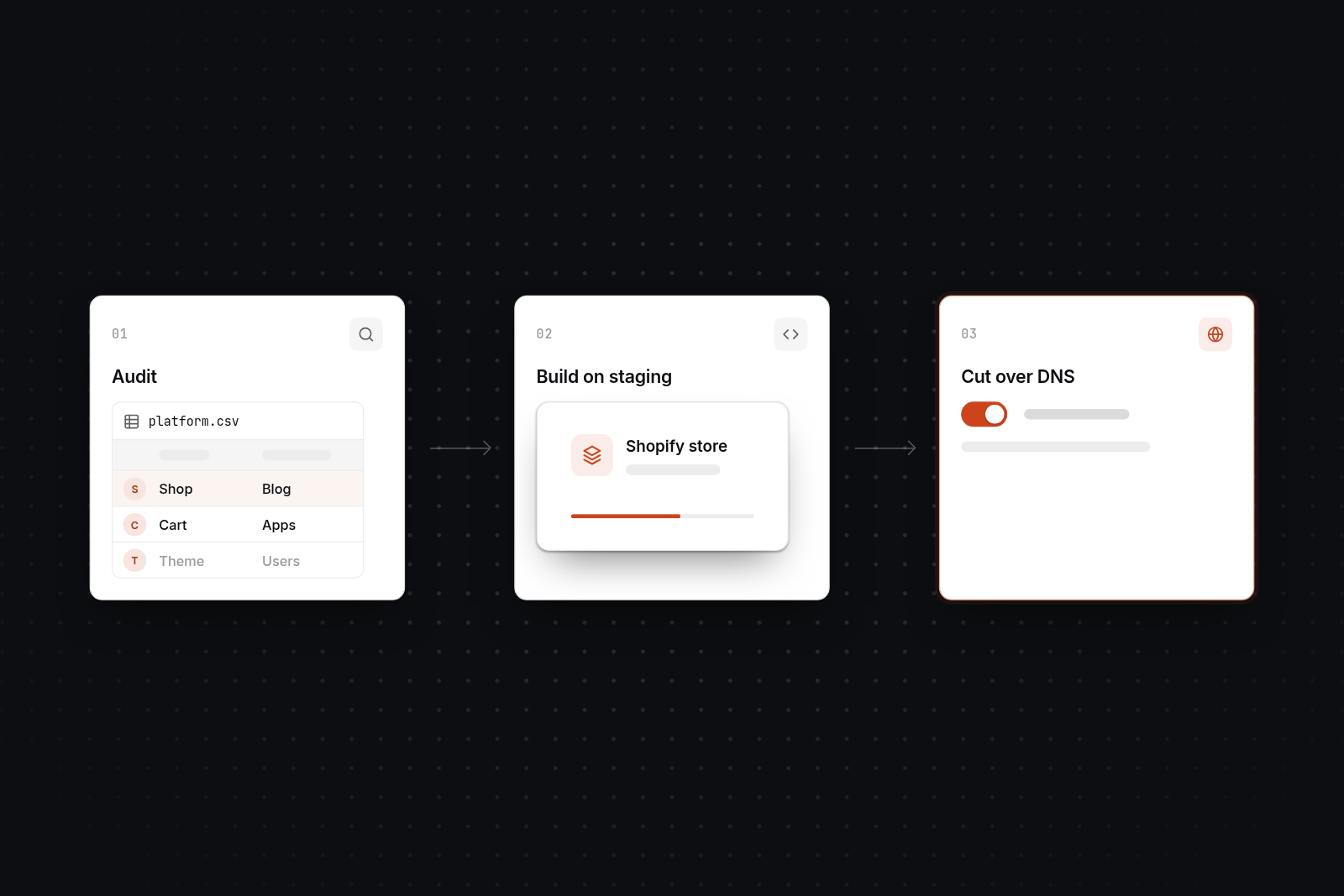
Products, customers, orders, content and reviews can generally be moved, while passwords, some theme logic and some app data cannot. Knowing the second list early prevents surprises late in the project.
What moves
- Products and variants: titles, descriptions, prices, SKUs, images, tags and collections.
- Customers: names, addresses and contact details.
- Orders: historical orders can be imported, usually with a migration app or a partner-led process.
- Content: blog posts and pages, though standard pages often need manual rebuilding.
- Reviews: these move with a reviews app that supports import. Some platforms do not export them directly, so check before you rely on it.
What does not
- Passwords. They are stored encrypted and cannot be exported. Customers get an email inviting them to activate their account and set a new one.
- Theme logic. Themes do not transfer between platforms. Layouts and behaviour are rebuilt in a Shopify theme.
- Some app data. Data held by plugins or apps, such as loyalty points or subscription schedules, may need a custom export or a replacement app.
We would also use the migration to clean up. Old products, duplicate customers and unused tags are cheaper to drop now than to carry across.
How to keep your SEO when you migrate to Shopify
To protect rankings, map every important old URL to a new one, redirect with 301s, carry over metadata and structured data, and check Search Console after launch. No supplier can honestly promise zero ranking movement. Shopify changes some URL patterns, and Google needs time to recrawl. The same steps apply if you want to migrate Magento to Shopify without losing SEO, though Magento stores usually have the most URLs to map.
Build a full URL map
Crawl the old store and combine the list with Search Console and analytics data. Every indexed URL goes on the map: products, categories, pages and blog posts. Shopify uses fixed patterns such as /products/ and /collections/, so most URLs change. Magento stores with .html endings and deep category paths, and Wix stores with their own page paths, need the most mapping. Our step-by-step migration guides cover the redirect map for each platform.
Use 301 redirects, one to one
Each old URL should redirect to the closest matching new page. Redirecting everything to the homepage throws away the ranking value of the old pages. We test the redirects on a staging store before go-live. It protects your traffic, so we do not skip it to save a week.
Preserve metadata and structured data
Carry over page titles, meta descriptions, headings, image alt text and canonical settings. Product structured data (schema) should be present on the new product pages. Check that the theme outputs it correctly, and that no plugin on the old store was supplying it without you remembering.
Check Search Console after launch
Submit the new sitemap on launch day. Then watch for 404 errors, indexing problems and drops on your highest-value pages. Fix gaps in the redirect map as they appear. Expect some movement in the first few weeks as Google recrawls. Our post on checking Search Console after a site relaunch covers what to look for.
How to avoid downtime during the switch
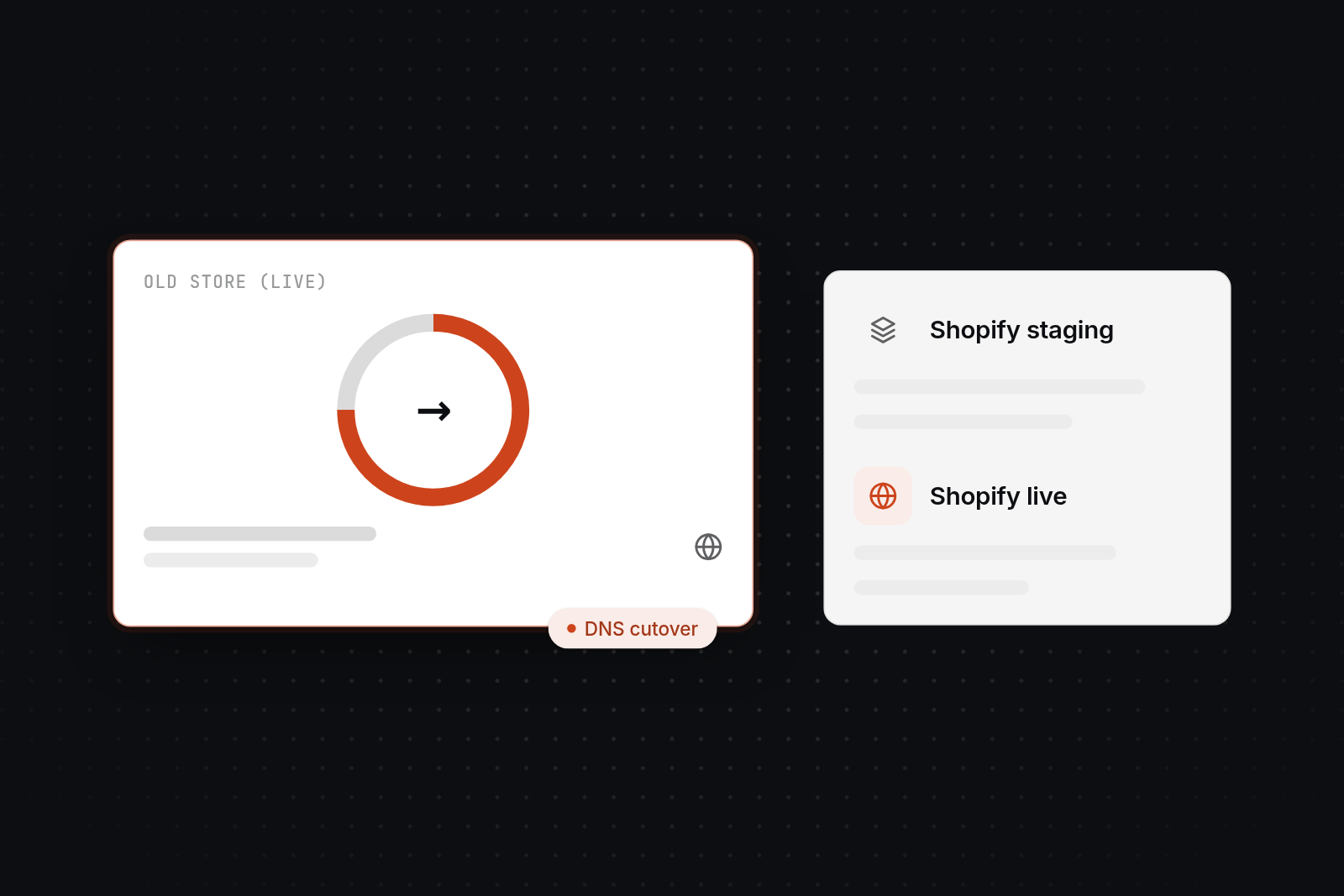
Build the new store on Shopify while the old store stays live, then switch DNS at a quiet time. Customers keep ordering on the old store until cutover, so nothing goes offline.
The sequence we use:
- Set up the Shopify store and import a test copy of the data.
- Build the theme, apps, shipping, tax and payment settings.
- Test checkout, redirects, emails and mobile layouts on staging.
- Do a final data sync of any orders and customers that arrived since the test import.
- Switch DNS at the quietest trading time for your store, usually early morning or a weekday evening.
- Monitor orders, errors and traffic closely for the first days.
Keep the old store available until you have confirmed the domain, checkout, redirects and email all work. Cancel it after that, not before. People forget the final sync, and it decides whether orders placed during the build are lost.
When to do it yourself and when to hire an agency
Do it yourself when the catalogue is small, the data is clean and search traffic is not critical. Hire help when you have many products, orders to carry over, custom behaviour or rankings you cannot afford to lose.
| Option | Suits | Watch for |
|---|---|---|
| DIY with Shopify's free Store Migration app | Small catalogue, products and customers only | Orders, reviews and redirects are not covered, and you check everything yourself |
| DIY with a paid migration app | Medium catalogue, orders to move | You still own redirects, metadata and testing |
| Freelancer | Small to medium store with a clear scope | Cover if they are ill or busy, and knowledge held by one person |
| Larger agency | Shopify Plus, large catalogues, several workstreams | Higher cost, account managers between you and the developers |
| AppBespoke | Fixed-scope migrations with redirect mapping, staging and handover, from a Glasgow team | We do not run ongoing marketing or paid ads, and we are not the cheapest option for a ten-product store |
Our Shopify migration service page sets out how we scope the work. A written scope should list what is moved, what is excluded, how redirects are tested and who owns the store afterwards. If you are still deciding between a freelancer and a studio, our post on who to hire for Shopify work in Glasgow goes through the trade-offs.
Hidden costs of Shopify
Shopify's monthly plan is only part of the running cost. Apps, transaction fees and payment processing fees add to it, and they continue after the migration is paid for.
- Apps. Reviews, subscriptions, filtering and page builders often come as paid apps. Several at £10 to £50 a month each add up over a year. Plugins you used free on WooCommerce may become a monthly bill.
- Transaction fees. Shopify charges an extra fee on sales if you use a payment provider other than Shopify Payments. Check the current rate for your plan.
- Payment processing fees. Card payments carry a percentage plus a fixed fee per order. Rates depend on your plan and region, so check the current figures.
- Theme. Many themes are free. Premium themes are a one-off cost, and a custom theme costs more.
- Currency and tax apps. Selling in several countries can need extra tools.
Add these up before you decide. We would compare the full yearly cost on your current platform with the full yearly cost on Shopify, not just the migration fee.
Next step
If you are comparing options for a move, book a 30-minute video call with us. We will look at your platform, catalogue and search traffic and tell you what we think the move involves. If it is a fit, the next step is our £750 technical planning day, which produces a written scope, a URL and redirect plan, and a fixed price.
FAQ
FAQs
Can I migrate my website to Shopify?
Yes. Most stores on WooCommerce, Magento, BigCommerce, Squarespace and Wix can be moved. Products, customers, orders, content and reviews usually transfer, while the design is rebuilt in a Shopify theme. A plain website with no shop is a different job, since Shopify is built for selling.
What are the hidden costs of Shopify?
The main ones are paid apps, transaction fees if you do not use Shopify Payments, and card processing fees. Apps are the biggest surprise for stores coming from WooCommerce, where many plugins were free. Price your full app list before you commit.
Is BigCommerce better than Shopify?
Neither is better in general. BigCommerce handles complex product options natively, and Shopify has a larger app ecosystem and a simpler admin for most small and growing stores. If your products rely on many option fields, check how they would translate to Shopify's three options and 100 variants before moving.
How much does it cost to migrate from WooCommerce to Shopify?
As an example range, £2,500 to £10,000 and 2 to 6 weeks. A simple catalogue can be moved yourself for the cost of an app. A store with custom fields, subscriptions or many plugins sits towards the top.