Key takeaways
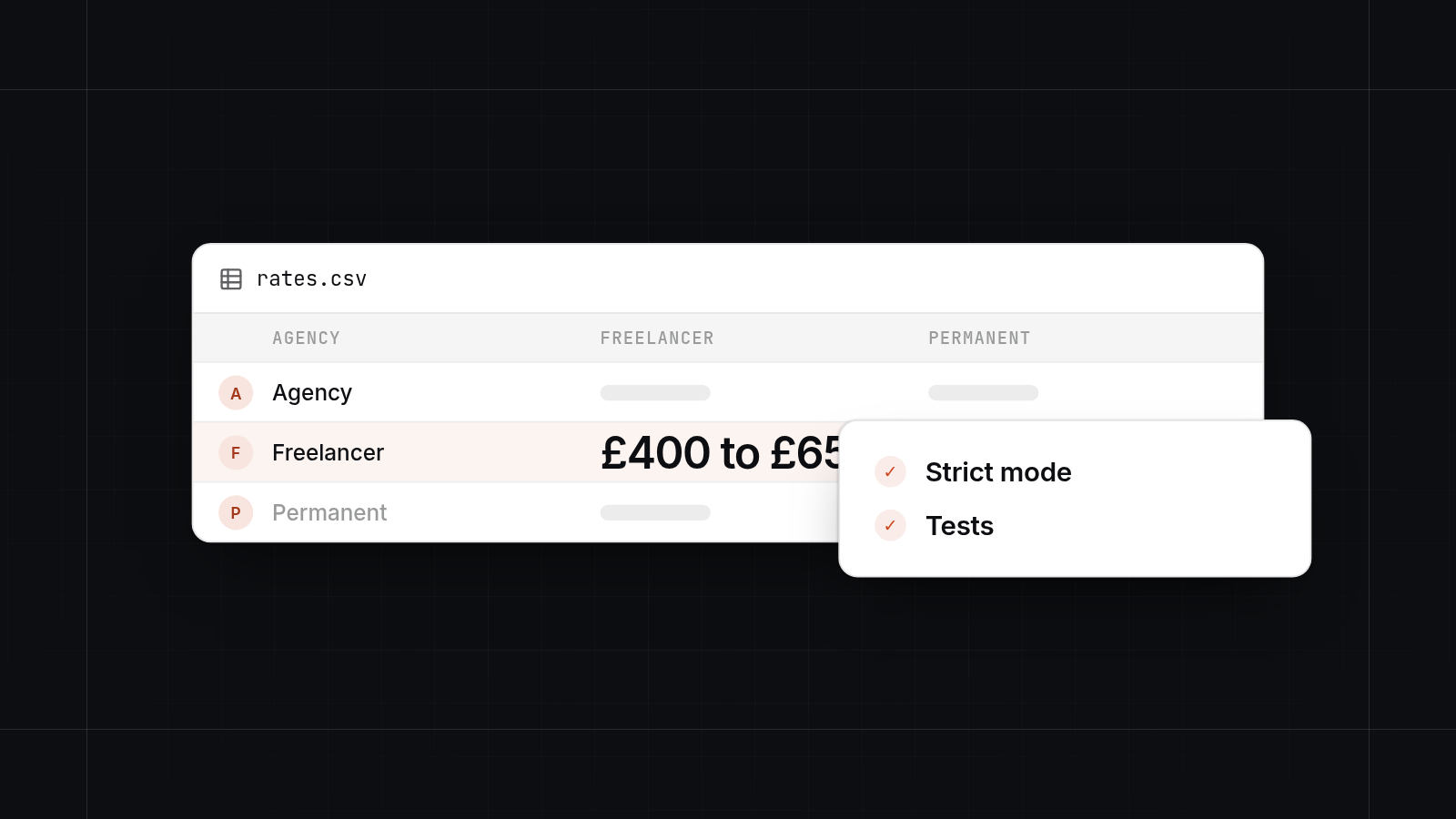
A Shopify developer in Scotland usually does three kinds of work: theme builds and customisation, custom apps and integrations, and migrations from platforms such as WooCommerce, Magento and BigCommerce.
Many stores need only a good theme and a few apps. Custom development is justified when no existing app fits how you trade.
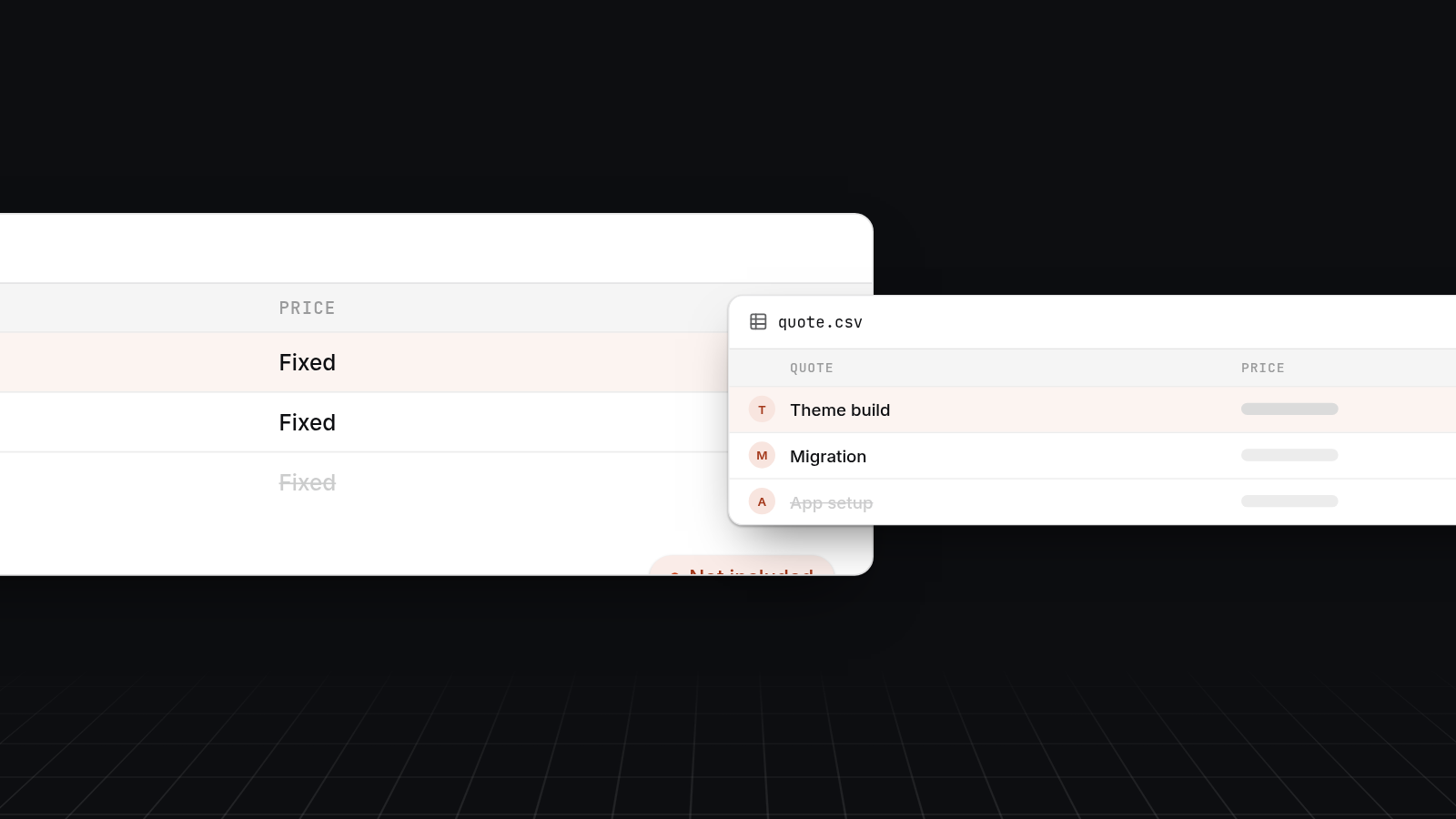
Fixed-price work should come with a written list of deliverables and a list of what is not included.
Ask to see live stores, find out who does the work, and check how handover and support work. A good supplier will say no to code or apps you do not need.
Being in Glasgow means in-person workshops and the same time zone. Most build work still happens remotely.
If you need a Shopify developer in Glasgow, you have three routes: a freelancer, a small studio or a larger agency. A freelancer suits small, well-defined jobs. A studio suits a full store build or migration with a few people on it. A larger agency suits big catalogues, Shopify Plus and several workstreams at once. We are a Glasgow-based team. This post covers what a Scottish Shopify developer does, how fixed-price work is scoped, what it costs and how to judge who to hire.
What a Shopify developer in Scotland actually does
A Shopify developer builds and changes the storefront, connects the store to other systems and moves stores from other platforms onto Shopify. Most projects touch more than one of the three areas below.
Theme builds and customisation
A theme controls how your store looks and behaves. Often the right move is to start from a well-made existing theme and adjust it: layout, product pages, navigation, and sections your team can edit without a developer. A fully custom theme costs more and takes longer. It makes sense when your product pages, bundles or buying process need something a standard theme cannot do.
Custom apps and integrations
Shopify's app store covers a lot. Custom Shopify app development is for the gaps: a connection to your stock or accounting system, a pricing or delivery rule that no app handles, a trade or wholesale flow, or a link to a customer portal. We build these as small, focused apps and integrations rather than large add-ons. Our Shopify development service covers this work, and our wider custom software work covers portals and APIs that sit alongside the store.
Migrations from other platforms
Moving to Shopify from WooCommerce, Magento or BigCommerce involves more than copying products. A migration covers products and variants, customers, order history, URL redirects so you keep your search rankings, and a plan for the switch-over day. Each platform has its own quirks. WooCommerce stores often carry plugins that did a job nobody remembers. Magento stores tend to have a large catalogue and custom logic. BigCommerce moves are usually cleaner, but redirects and apps still need care. We have written migration guides for each of these, and the scoping below draws on them.
Freelancer, small studio or larger agency
Choose by the size of the job, how much ongoing change you expect and who you want answering the phone. None of the three is better in general.
| Option | Suits | Watch for |
|---|---|---|
| Freelancer | Theme tweaks, small fixes, one-off integrations, extra capacity | No cover if they are ill or busy, and knowledge held by one person |
| Small studio | A full store build or migration, with design and development together | Check who actually does the work and how many projects they run at once |
| Larger agency | Shopify Plus, large catalogues, several workstreams and marketing | Higher cost, account managers between you and the developers |
| AppBespoke | Shopify builds, custom apps, integrations and migrations at a fixed scope, with a Glasgow team | We do not run ongoing marketing or paid ads, and we are not the cheapest option for a simple theme change |
For a small tweak, a freelancer is usually the cheapest sensible choice. For a build or migration that needs several skills, a studio or agency spares you from coordinating them yourself. The same questions come up in the agency versus in-house trade-off: who owns the work afterwards, who covers absence, and what the engagement costs once the launch is over. If you are comparing firms, our guide to shortlisting a software company in Scotland covers similar ground. For the wider picture on supplier fees, see our guide to custom software costs.
How fixed-price Shopify work is scoped
We write down a list of deliverables, a list of exclusions and a timeline before any work starts. The price follows from that list. If the list is vague, the price is a guess. This is how we approach fixed-price Shopify development.
A scoped quote should name:
- Theme work. Which theme, which templates and sections will be built or changed, and how many.
- Apps. Which existing apps will be installed and configured, and which custom apps will be built.
- Integrations. Each system the store connects to and what data moves in which direction.
- Migration. What is being moved: products, customers, orders, redirects, reviews, blog posts.
- Testing and launch. What is checked before go-live and who signs it off.
- Handover. What documentation and training you get, and who owns the store and any code.
- Exclusions. Photography, copywriting, product data entry, marketing, and anything else not in the price.
Typical price ranges and timelines
These are examples to help you budget, not quotes. Your scope can sit outside them.
| Project | Example fixed price | Typical timeline |
|---|---|---|
| Theme customisation on an existing store | £1,500 to £5,000 | 1 to 3 weeks |
| New store on a customised theme with a few apps | £5,000 to £15,000 | 4 to 8 weeks |
| Migration from WooCommerce or BigCommerce | £6,000 to £18,000 | 4 to 10 weeks |
| Migration from Magento or a large custom catalogue | £15,000 to £40,000 | 8 to 16 weeks |
| Custom Shopify app or integration | £3,000 to £15,000 | 3 to 8 weeks |
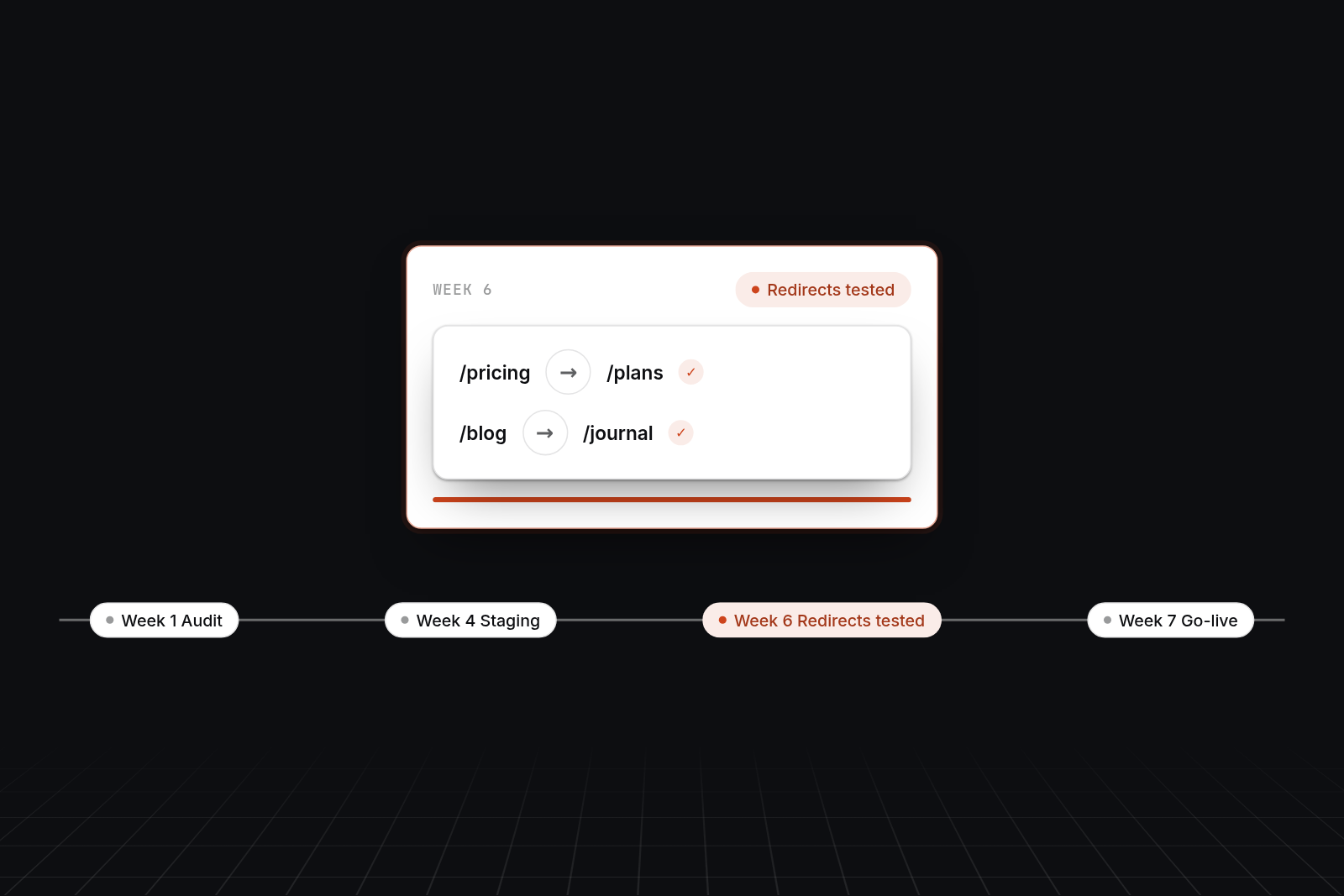
Migration timelines depend on catalogue size, how clean the data is and how many redirects are needed. We test redirects on a staging store before go-live, because that step protects your search traffic. We do not skip it to save a week.
What usually pushes a project over budget
Most overruns come from a short list of causes:
- Scope added mid-project. A new section here, an extra integration there. Each is small, but together they add up.
- Messy source data. Product titles, variants and images that need cleaning before they can be imported.
- Content that arrives late. Copy, photography and product data held up on the client side delay the launch.
- Unplanned apps. Subscriptions added during the build change both the monthly cost and the design.
- Old plugin behaviour nobody documented. On a migration, a feature turns up late in testing.
- Slow decisions. A review that takes two weeks instead of two days.
A fixed price protects you if the supplier runs over. It does not cover changes you ask for, so changes should be quoted separately and agreed in writing.
When a theme and a few apps are enough
A theme and a few apps are enough when your products, pricing and fulfilment follow ordinary retail patterns. Most small and growing stores fall in this group, and paying for custom development there is waste.
Custom development is justified when:
- No existing app does the job, or the apps that do it cost more per month than building it once.
- Your stock, accounting or fulfilment system needs a reliable two-way link.
- You sell in a way a standard store cannot handle, such as complex trade pricing, made-to-order products or a customer portal.
- You are stacking so many apps that the store is slow and the monthly bill is rising.
If a theme and a few apps will do the job, we will say so. A supplier who recommends custom code for every problem is selling something other than your solution.
How to judge a Shopify agency or developer
Judge a supplier by what they have built, who will build yours and what happens after launch. Use the same checklist with every candidate so you can compare answers.
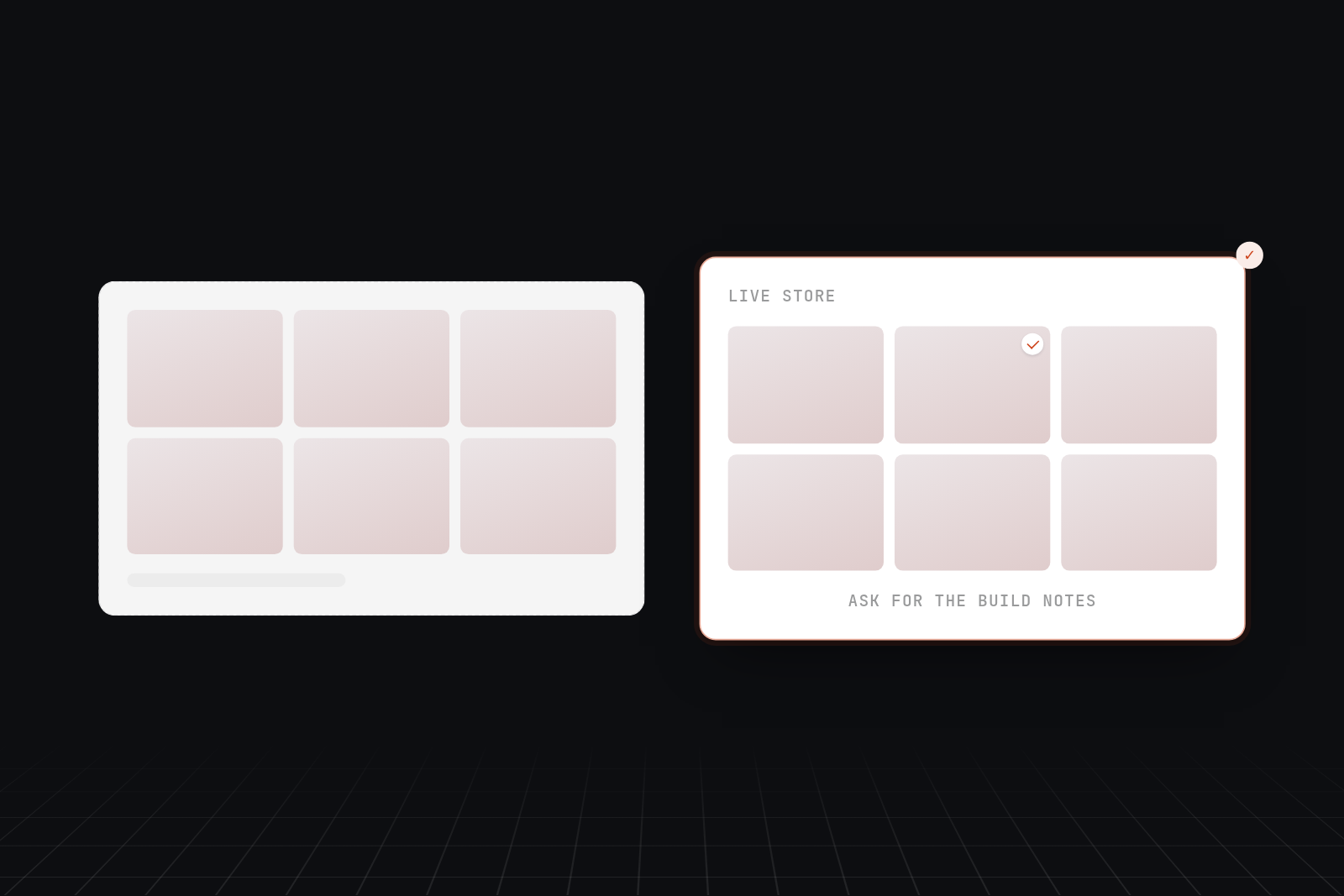
- Ask for live stores they have built. Visit them on your phone. Check speed and the checkout. Ask what the supplier did on each one.
- Ask who does the work. Employees, subcontractors or offshore staff are all possible. You should know which, and who you speak to when something breaks.
- Ask for a client reference on a project like yours.
- Ask about handover. You should own the store, the code and the accounts, in writing, with documentation and a walkthrough for your team.
- Ask about support. What it covers, what it costs each month and whether you can stop it with reasonable notice.
- Ask whether they will say no. Put a feature to them that you suspect you do not need. A good answer explains the cheaper option.
- Check the quote. It should list deliverables, exclusions, a timeline and a price. One line reading "build store" is a guess.
- Check Shopify experience. Ask about Liquid, theme architecture and apps they have built, not only design.
Directories and list articles are a fair way to find names, but placements can be paid. Use them to build a pool, then check each firm yourself.
What a Glasgow team means in practice
A Glasgow team means we can run workshops in person and work in your time zone. That matters most at the start and for decisions that are easier face to face.
In practice that looks like:
- In-person workshops. Mapping your catalogue, order flow and stock process on a whiteboard goes faster in the same room, and we can be with you in Glasgow or the central belt within an hour or two.
- The same time zone. Questions get answered the same day, without waiting for an overseas team to wake up.
- UK contracts and data. UK GDPR, UK hosting and contracts under UK law are simpler with a UK firm.
After the first workshops, most build work happens on video calls and in shared tools, so you do not need to be in Glasgow to work with us. We work with stores across Scotland and the rest of the UK.
Next step
If you are weighing up a Shopify developer, studio or agency, book a 30-minute video call with us. We will go through what you need, tell you whether a theme and a few apps will do, and say plainly if we are not the right fit. If we are, the next step is a £750 technical planning day, where we scope the work and give you a written list of deliverables, exclusions, price and timeline.
FAQ
FAQs
Shopify developer in Glasgow: who should I hire?
Hire a freelancer for small, well-defined jobs, a studio for a full build or migration and a larger agency for Shopify Plus or several workstreams. Whichever you choose, ask to see live stores, find out who writes the code and get a written list of deliverables and exclusions. We are a Glasgow team that builds Shopify themes, custom apps, integrations and migrations at a fixed scope.
Shopify agency in Scotland: how do I choose one?
Start with a pool from directories and your own network, then cut it to three or four on relevant work, named people and a clear approach to pricing. Ask each one the same questions about who does the work, handover, support and whether they will talk you out of unnecessary custom code. Compare the quotes line by line rather than by total.
How much does a Shopify migration from WooCommerce or Magento cost in Scotland?
A WooCommerce or BigCommerce migration typically sits around £6,000 to £18,000 and takes 4 to 10 weeks. A Magento migration or a large custom catalogue is more often £15,000 to £40,000 over 8 to 16 weeks. These are examples, not quotes. The price depends on catalogue size, data quality, redirects and any custom logic that has to be rebuilt.
Do I need custom Shopify app development?
Often you do not. If an existing app covers the job at a sensible monthly cost, use it. Custom app development makes sense when no app fits, when a stock or accounting link needs to be reliable, or when several subscriptions are slowing the store and costing more than a single build.
Does it matter that the developer is in Glasgow?
It matters for in-person workshops, the same time zone and UK contracts and data. It matters less for the build itself, which happens mostly on video calls and in shared tools. A team elsewhere with the right experience can beat a local one without it.