Custom software10 min read
Bespoke Software vs Low-Code No-Code Platforms
Bespoke Software vs Low-Code/No-Code Platforms: A Fair Comparison
By Duncan
Key takeaways
Low-code wins on speed and cost for simple, internal, low-volume tools built by a small team.
Low-code starts to strain as user numbers grow, data gets more relational, or you need integrations the platform doesn't support natively.
Licensing costs and vendor lock-in are the two hidden costs that rarely show up in the first year, but do show up later.
Custom software has a higher upfront cost but a flatter cost curve over time, and you own the code outright.
The right test is how far your project is from what the platform was designed for, not which option sounds better.
Bespoke software vs low-code no-code platforms is not a question with one right answer. Bubble, Retool and Power Apps are good tools for a real set of problems. Custom development is better for a different set. Which one is right depends on your scale, your data, and how long you plan to keep using what you build.
This post sets out where each option wins, where low-code starts to strain, and the costs that only show up once you're a year or two in. If you're still weighing up custom software against off-the-shelf SaaS more broadly, that comparison covers similar ground from a different angle.
What low-code and no-code platforms actually are
Low-code and no-code platforms let you build an application using visual tools and pre-built components instead of writing most of the code yourself. No-code platforms are aimed at people with no programming background: you drag, drop, and configure. Low-code platforms sit a step up, usually meant for developers or technical staff, and let you write some custom logic alongside the visual builder when the standard components aren't enough.
Bubble is a no-code platform aimed at building full web applications, often used for MVPs and customer-facing products. Retool is a low-code platform built specifically for internal tools: dashboards, admin panels, and database-backed workflows. Power Apps is Microsoft's low-code platform, strongest when you're already inside the Microsoft 365 and Dataverse ecosystem. All three cut down the code you write and the time it takes to get something working.
That speed is real. It's also the main reason these platforms get chosen for the wrong kind of project.
Where low-code genuinely wins
Low-code wins when the project is small, internal, and standard enough that a pre-built component already does most of what you need.
Speed to a working tool
A Retool dashboard pulling from an existing database can be working in days. A Power Apps form connected to a SharePoint list can be live in an afternoon. For an internal tool with a handful of users, that speed is hard to beat with custom development, which needs design, build and testing time before anything is usable.
Lower cost at small scale
At five or ten users, a low-code platform's monthly fee is a small number. You're not paying for a design and development process, you're paying a subscription and spending a few days configuring it. For a temporary tool, a one-off workflow, or a prototype you expect to replace in six months, that's often the sensible choice. It's worth reading whether custom software is worth it for a small business before assuming you need more than this.
No need for a dedicated developer
Retool and Power Apps are built so a technically capable person on your team, not necessarily a software engineer, can build and maintain something useful. That matters if you don't have development resource in-house and don't want to hire an agency for a tool this small.
Where low-code starts to strain
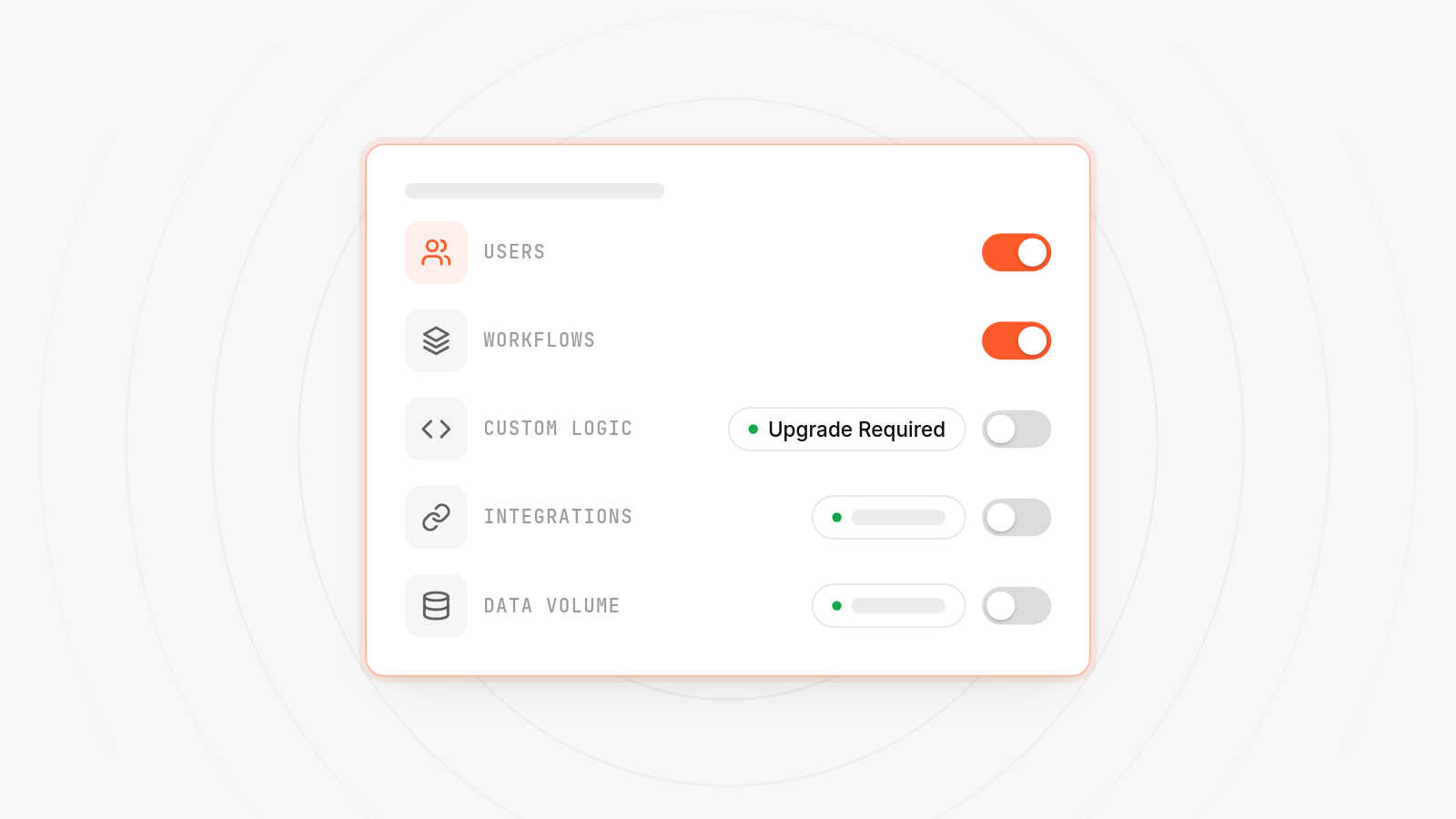
Low-code starts to strain once user numbers climb, data gets more relational, or you need something the platform's component library doesn't cover. These are the low-code scaling limits that tend to matter most in practice.
User numbers
Most low-code platforms price per user or per workflow run. That's fine at ten users. At a hundred or more, the monthly cost can rival or exceed what a custom build would have cost outright, and the bill keeps rising as you add people, the same pattern SaaS pricing follows more broadly.
Data complexity
Low-code platforms are built around simple, flat data models connected to a small number of common sources. Once your data has several related tables, custom validation rules, or logic that depends on the state of multiple records at once, you start fighting the platform's assumptions instead of building on them. Workarounds pile up, and each one adds fragility. This is one of the clearest no-code platform limitations once a project grows past its original scope.
Integration needs
Bubble, Retool and Power Apps all support a set of common integrations out of the box. If what you need is outside that set, usually a specific internal system, an unusual API, or a legacy database, you're often stuck waiting for the platform to support it, or paying for a custom connector someone else builds for you.
Performance at scale
These platforms run on shared infrastructure the vendor controls. As your application's traffic or data volume grows, you don't have much control over performance tuning. You can upgrade your plan. You generally can't change how the underlying system is built.
The hidden costs: licensing and lock-in
The hidden costs of low-code platforms are licensing fees that rise with scale and lock-in that makes leaving expensive. Neither shows up clearly on day one.
Licensing costs compound
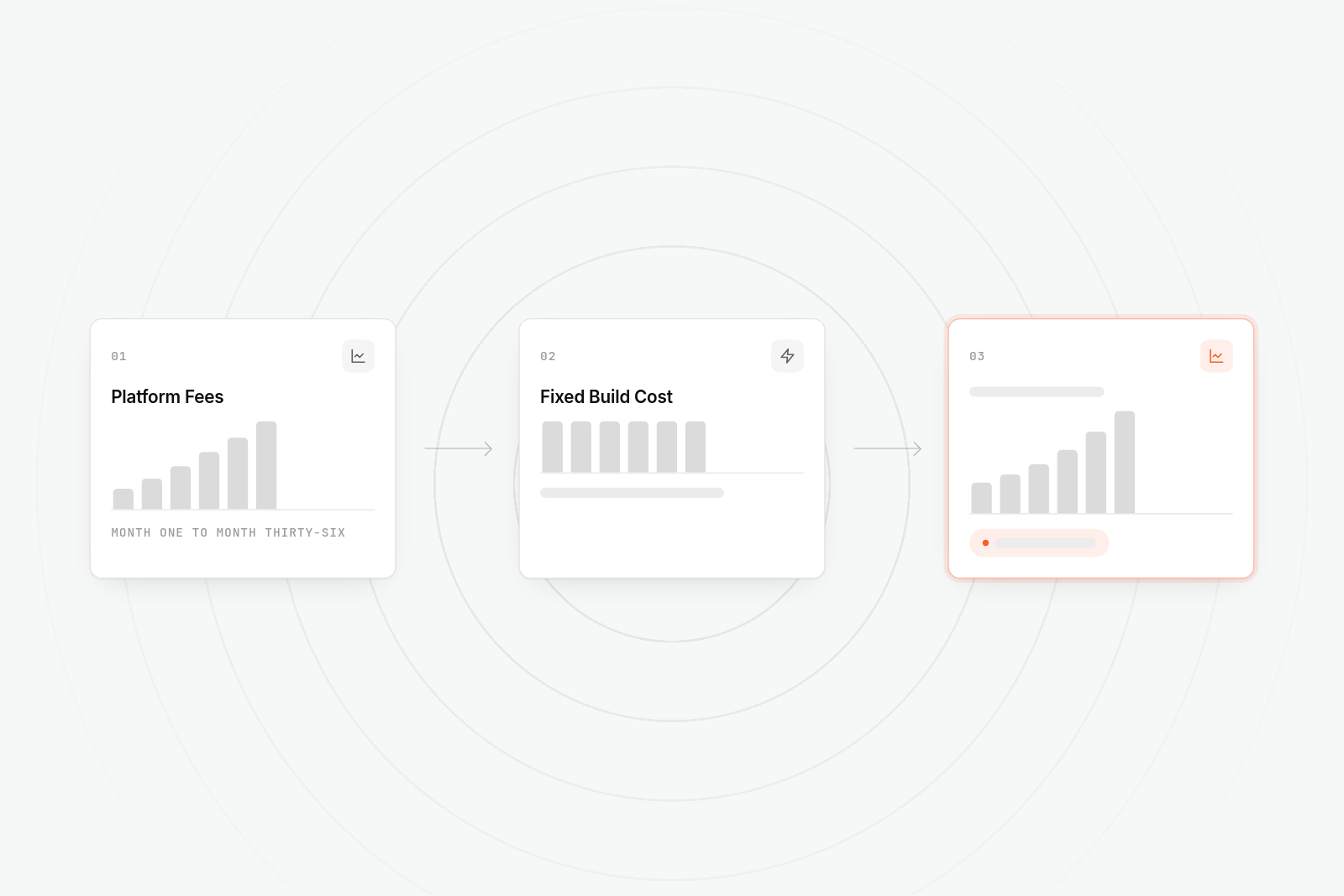
Per-user or per-workflow pricing looks reasonable at launch and less reasonable two years later. With a custom build, the main cost is paid once upfront. With a low-code platform, the cost rises every time you add a user or a new automated process, for as long as you use it. The bill never flattens out, because you don't own anything, you're renting continued access.
Vendor lock-in is the bigger risk
Everything you build on a low-code platform lives inside that platform's format. Your workflows, your data model, your business logic are all expressed in a way that only makes sense on that vendor's system. If the vendor changes pricing, discontinues a feature, or you outgrow what it offers, migrating means rebuilding, not moving a codebase. These low-code lock-in costs are rarely visible until you try to leave.
This is the cost that rarely gets weighed at the start, because at the start you're choosing the platform for speed, not planning your exit from it. By the time lock-in becomes a problem, you've usually got two or three years of workflows built on top of it, which makes leaving expensive in time as well as money.
Platform limits aren't always visible until you hit them
A platform doesn't tell you in advance where its ceiling is. You find out when a feature request comes back as "not supported," or when a report that used to run in seconds starts taking minutes as your data grows. These limits rarely show up in a sales demo, because a demo is built on a small, clean dataset, not your actual one three years from now.
Low-code vs custom development: a direct comparison
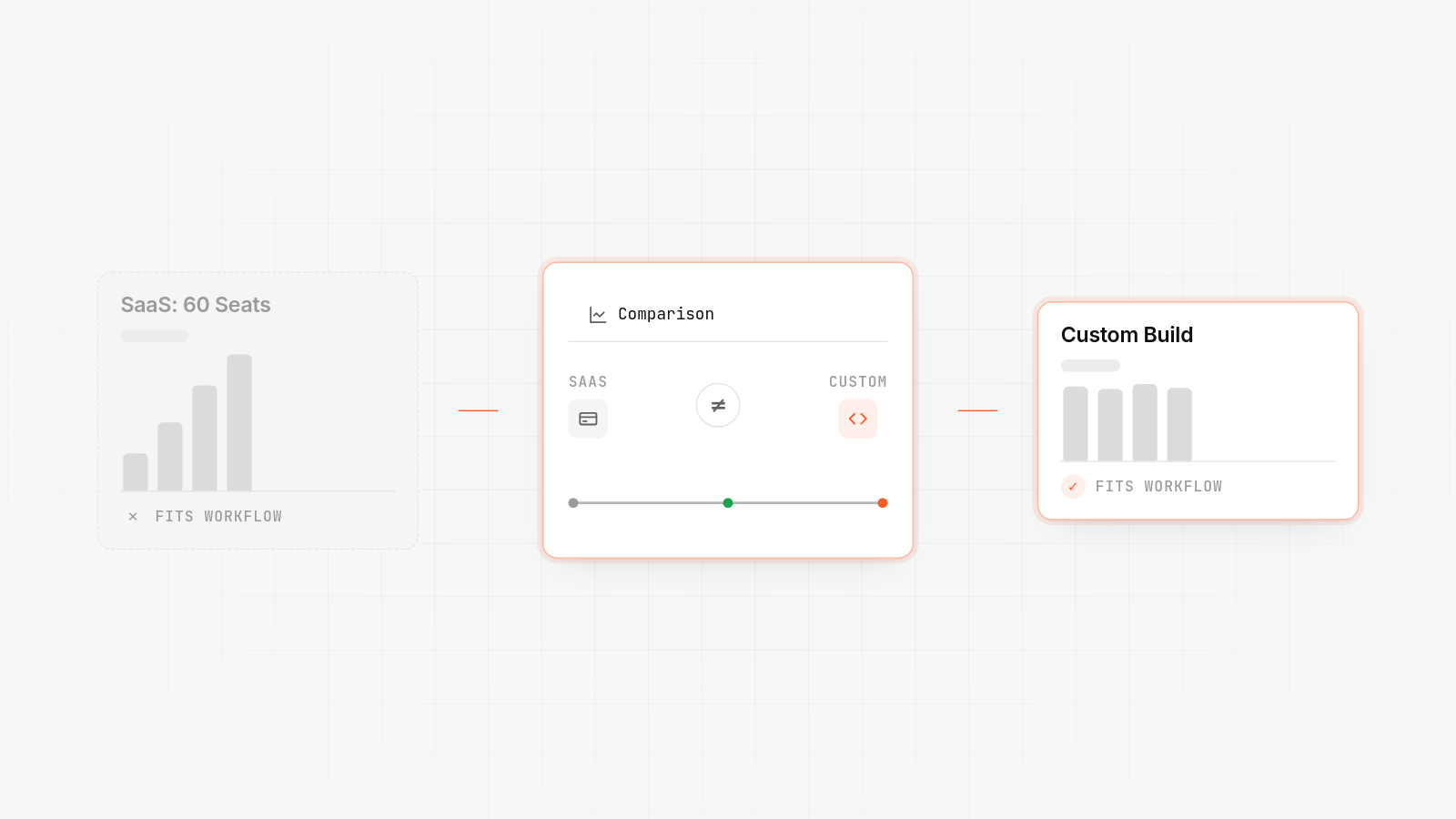
Low-code vs custom development comes down to a trade: speed and cost now, against flexibility and cost later. The table below sets that out.
| Low-code platforms (Bubble, Retool, Power Apps) | Custom development | AppBespoke | |
|---|---|---|---|
| Time to a working tool | Days to weeks | Weeks to months | Weeks to months, matched to project size |
| Upfront cost | Low, often a monthly subscription | Higher, typically £10,000 to £90,000+ depending on scope | Fixed-scope quote agreed before work starts |
| Cost as users grow | Rises with per-user or per-workflow pricing | Little to none once built | Little to none once built |
| Data complexity it handles well | Simple, flat, standard data models | Any structure your business actually has | Built around your actual data and workflow |
| Integration flexibility | Limited to what the platform supports | Unlimited, built to whatever you need | Built to whatever you need, agreed upfront |
| Who controls the roadmap | The platform vendor | You | You |
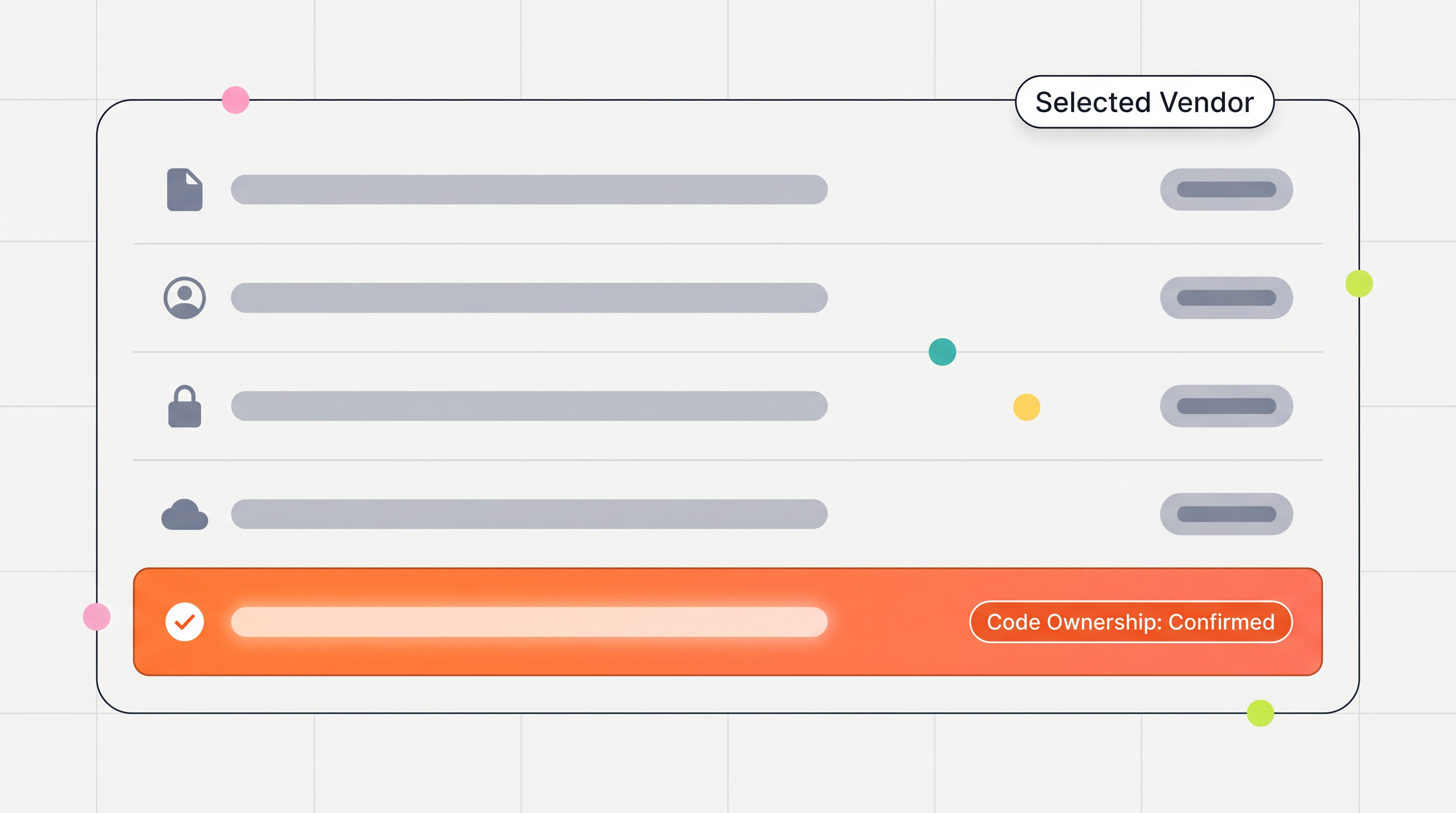
| Exit cost if you outgrow it | High, usually a full rebuild | None, you already own the code | None, code and infrastructure handed over |
| Best fit | Internal tools, prototypes, low user counts, standard workflows | Business-critical software with specific or growing requirements | Growing businesses wanting a fixed-scope build with a predictable annual maintenance cost |
AppBespoke designs and builds custom web applications for growing businesses, and is one of the options worth considering as a Bubble, Retool or Power Apps alternative once a project outgrows those platforms. It agrees a fixed-scope quote before work starts and a fixed annual maintenance figure once the application is live, usually 15% to 25% of the build cost. That figure is covered in more detail in what it costs to maintain a custom web application per year. It doesn't build on top of low-code platforms, and it doesn't offer open-ended hourly retainers with no ceiling. It's built for businesses whose needs have moved past what a standard tool or platform can comfortably handle, not for every project regardless of size.
When to choose custom software over low-code
When to choose custom software is best decided by how far your actual requirements sit from what the platform was built for, not by which option sounds more serious.
Consider custom development when any of the following is true:
- The application is, or will become, business-critical, not a side tool.
- You expect user numbers to grow well beyond what a small team needs.
- Your data has several related entities and business logic that depends on more than one record at a time.
- You need to integrate with a system that isn't a standard, well-supported connector.
- You plan to keep using and extending this software for years, not months.
- You want full control over cost, roadmap, and where the code lives.
If that describes your project, the next practical question is usually how much it costs to build a custom web application, which sets out realistic ranges by scope.
Stay with low-code when none of those apply, especially when the tool is internal, temporary, or genuinely simple. There's no advantage in paying for a custom build when a platform already does the job and you don't expect to outgrow it.
FAQs
What is the best low-code no-code platform?
There isn't a single best one, because they're built for different jobs. Bubble is aimed at full customer-facing web apps built without code. Retool is built specifically for internal tools and admin dashboards connected to existing databases. Power Apps suits businesses already using Microsoft 365 and Dataverse, since it integrates tightly with that ecosystem. The right one depends on what you're building and what you're already using, not a general ranking.
What are the advantages and disadvantages of bespoke software?
Bespoke software is built around your actual workflows and data, scales without per-user fees, integrates with whatever you need rather than a fixed list of connectors, and gives you full ownership of the code and the roadmap. The downsides are a higher upfront cost, a longer time to launch than a low-code build, and the ongoing responsibility, yours or your vendor's, for maintenance, security updates, and bug fixes after launch.
Is low-code dead with AI?
No. AI coding assistants have made it faster to write custom code, which narrows the speed gap low-code used to have, but it hasn't removed the reason low-code exists. Low-code platforms still offer a visual builder, hosting, and a maintained runtime in one package, which suits non-technical teams and small internal tools regardless of how fast AI can generate code elsewhere. What's changed is that custom development is a viable option earlier than it used to be, not that low-code has become pointless.
What are low-code and no-code platforms?
They're tools that let you build software using visual interfaces and pre-built components instead of writing most of the code by hand. No-code platforms need no programming knowledge at all. Low-code platforms are aimed more at developers or technical staff, and let you add custom code alongside the visual builder for the parts that pre-built components can't handle. Both trade some flexibility for speed and a lower barrier to entry.
What are some alternatives to Bubble, Retool, and Power Apps?
If the limits covered in this post are the reason you're looking elsewhere, most low-code platforms share the same core trade-offs around scaling and lock-in, so the real alternative is usually custom development. Other low-code options exist, including Mendix, OutSystems, and Appian, but they tend to carry similar limits at larger scale. The useful question isn't which platform to switch to, but whether your project has outgrown the category entirely.