Key takeaways
The Equality Act 2010 applies to UK businesses that serve the public, websites included. It does not name a technical standard, but WCAG 2.2 AA is the benchmark people measure against.
Public sector bodies have a stricter, named duty: WCAG 2.2 AA plus a published accessibility statement.
Free checkers such as WAVE, axe and Lighthouse find a useful share of problems, commonly estimated at around a third. They cannot judge keyboard traps, focus order or whether a screen reader makes sense of a page.
An overlay widget leaves your code as it was. It does not make a site meet WCAG.
A manual audit typically costs from a few hundred pounds for one page to £5,000 or more for a full site. An audit that includes the fixes ends with a site that works.
To make your website meet WCAG 2.2 AA, run a free automated checker to clear the easy problems, then have a person test the site by keyboard and screen reader and fix what they find in the site's own code. An overlay widget does not make a site meet WCAG 2.2 AA, and a clean automated scan does not prove that it does.
This post is for UK business owners and web managers who have been told their site should meet WCAG 2.2 AA. It covers what the law requires, compares four routes on what each catches, what it costs and what you get, and says when to call someone else.
Do UK businesses have to make their website accessible by law?
Yes. The Equality Act 2010 requires any business providing goods or services to the public to make reasonable adjustments for disabled people, and that covers your website. The duty is anticipatory, so you are expected to plan for disabled users before anyone complains. The Act names no standard, so WCAG 2.2 AA is not itself a legal requirement for a private business. It is what an expert would use to judge whether your adjustments were reasonable. The Equality and Human Rights Commission enforces the Act, and a disabled user can bring a claim in the county court (the sheriff court in Scotland). Public sector bodies have more to do. The accessibility regulations for public sector websites and apps require them to meet WCAG 2.2 AA and publish an accessibility statement saying what does not yet comply and why. If you sell to consumers in the EU, the European Accessibility Act has applied since June 2025 and may cover you too.
We are not lawyers. If you have had a complaint or a solicitor's letter, take legal advice on what you are obliged to do.
What WCAG 2.2 AA asks of a website
WCAG 2.2 AA is a set of testable rules, called success criteria, that a site has to meet at levels A and AA. They cover things like text alternatives for images, colour contrast, keyboard access, visible focus, form labels and error messages, and pages that still work at 200% zoom.
WCAG 2.2 was published in October 2023 and added new criteria to 2.1. Several of them are hard to test automatically:
- Focus not obscured. A sticky header or cookie banner must not hide the item that has keyboard focus.
- Target size. Buttons and links need a minimum target of 24 by 24 CSS pixels, or enough space around them.
- Dragging movements. Anything you can drag, such as a slider or a sortable list, needs a click or tap alternative.
- Accessible authentication. A login must not depend on remembering or transcribing something, so password managers and pasting have to work.
- Redundant entry and consistent help, which cover asking for the same information twice and keeping help in the same place.
Every criterion that applies has to pass. Passing 90% is a fail.
Four ways to meet WCAG 2.2 AA compared
The main differences are whether a person tests the site and whether anyone changes the code. The prices below are a guide from published UK price lists and vendor sites, and most UK auditors do not publish prices at all, so check current quotes.
| Route | What it catches | Cost (guide) | What you end up with | Watch for |
|---|---|---|---|---|
| Free automated checker (WAVE, axe, Lighthouse) | Missing alt attributes, low contrast, unlabelled form fields, empty links, some heading problems. Commonly estimated at about a third of issues | Free, plus your time | A list of machine-detectable errors on the pages you scanned | A clean scan is not a pass. Lighthouse runs fewer rules than axe and only partly covers WCAG 2.2 |
| Accessibility overlay widget | Nothing in your code. It adds a toolbar for text size, contrast and similar settings | Roughly £40 to £160 a month, ongoing | The same code with a script on top, and the same barriers underneath | Claims of "compliance". The FTC fined one vendor $1m over them. Overlays can also clash with screen readers |
| Manual audit (report only) | Keyboard traps, focus order, screen reader output, form errors, zoom and reflow, the WCAG 2.2 criteria, plus everything a scanner finds | About £350 for one page, £800 to £5,000 for most small and medium sites, £6,000 to £20,000 for large transactional sites | A prioritised report with each issue tied to a success criterion | You still have to fix everything, and someone has to re-test afterwards |
| Audit with fixes | The same as a manual audit | Typically £1,500 to £5,000 for a small site, much more for large ones | Fixes made in your own code, a re-test and evidence of what changed | Ask what is included, how many days of fixes, and what happens to work beyond that |
| AppBespoke | Automated scan, a full keyboard pass, an NVDA screen reader pass, zoom, contrast, focus and form errors, on up to 12 page types | $1,950, roughly £1,500, with three days of fixes included. Monitoring $199 a month, roughly £155 | Fixes in your code, a re-test, a before and after summary and a draft accessibility statement | Priced in US dollars only. One site at a time. No legal advice, certificate or guarantee against a claim |
Free automated checkers
Start with a free checker. WAVE from WebAIM marks errors directly on the page. axe DevTools from Deque is precise and rarely reports false positives. Lighthouse is built into Chrome and uses the axe engine with fewer rules. Run one across your main templates and fix what it finds.
A scanner cannot judge meaning. An image with alt="IMG_4471.jpg" passes the "has alt text" rule and fails the person using a screen reader. A scanner cannot tell you that the menu traps keyboard focus, that the checkout reads in the wrong order, or that a form error is shown in red and never announced. Those need a person.
Accessibility overlay widgets
An overlay is a script that adds an accessibility toolbar to your site. It does not make a site meet WCAG 2.2 AA. The code underneath stays as it was, and that code is what an auditor tests. More than a thousand accessibility professionals, including WCAG editors and screen reader developers, have signed the Overlay Fact Sheet stating that no overlay can make a site fully compliant with any accessibility standard. In April 2025 the US Federal Trade Commission finalised a $1m order against accessiBe over claims that its widget made sites WCAG compliant.
The toolbar features themselves, such as larger text or higher contrast, mostly repeat settings that browsers and operating systems already offer. Some screen reader users turn overlays off because they interfere with the software they already use.
A manual audit
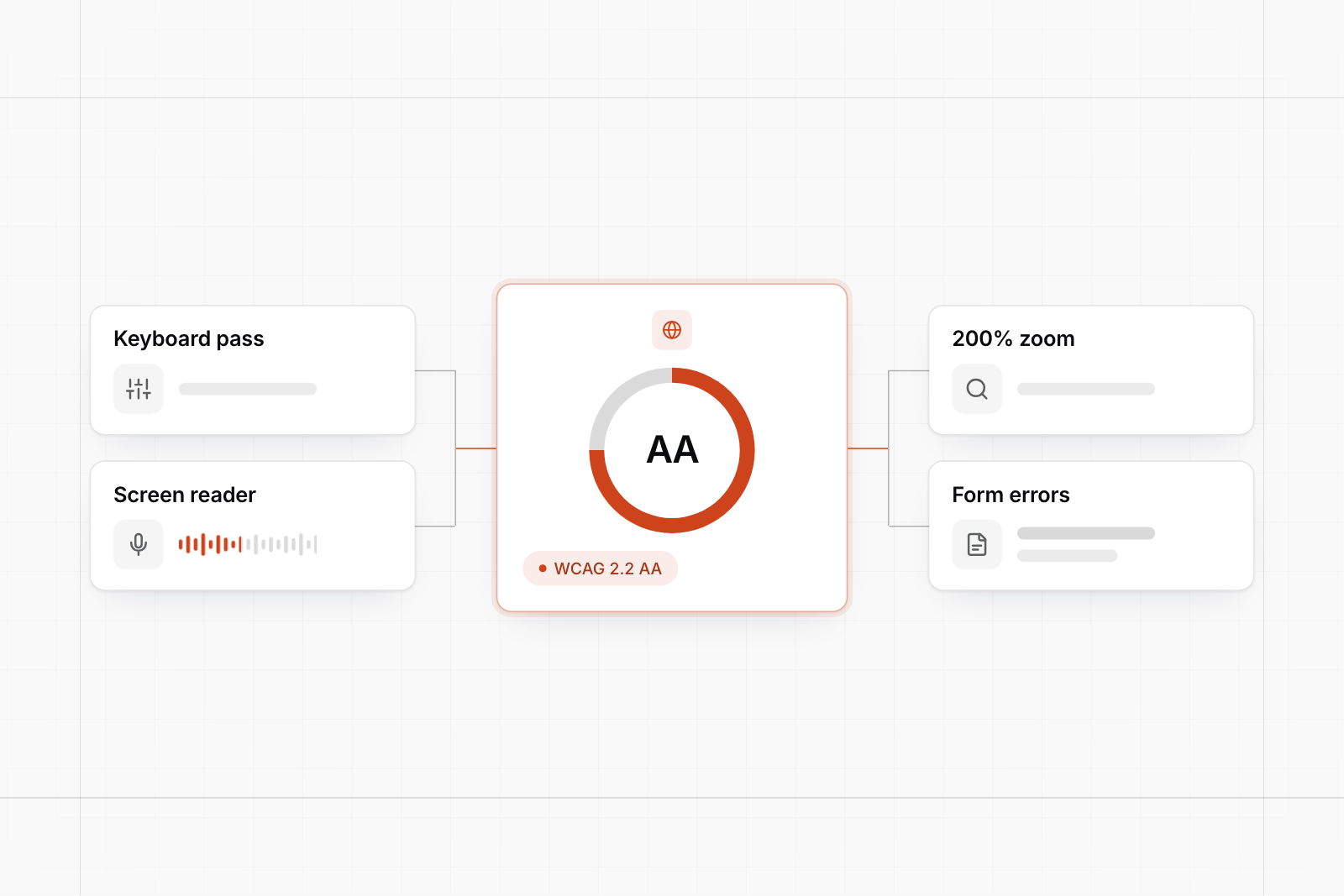
A manual audit is a person testing your site against every A and AA criterion, usually on a sample of page types. It runs an automated scan first, then drives each template with the keyboard alone, listens to it with a screen reader such as NVDA, JAWS or VoiceOver, checks it at 200% zoom and on a narrow screen, and tries the forms with real errors. The output is a report listing each issue, the criterion it fails and what has to change.
Some published UK prices: Accessimo lists a single page audit at £350. Jim Byrne starts a full WCAG 2.2 audit at £2,500. AbilityNet charges £4,950 plus VAT for a review of up to 10 pages or features. Larger sites with checkouts or account areas often run to five figures.
A report fixes nothing on its own. If your developer or agency has to work through 80 issues, the cost of the fixes can match or exceed the audit, and someone has to test again afterwards.
An audit with fixes
An audit with fixes means the same testing, then the changes made in your theme, templates and code, then a re-test. You end up with a site people can use with a keyboard or screen reader, and dated evidence of what was tested and what changed. This is the route we would pick for most small business sites that are already live.
How to choose the right route
The right route depends on what is driving the work and who can make the changes.
- You just want to know where you stand. Run WAVE or axe on your homepage, a product or service page, a form and your checkout. If it finds dozens of errors, a manual audit will find more.
- You have a developer who can fix things. A report-only audit can make sense. Budget for their time and ask the auditor to re-test.
- You have no developer, or your agency has moved on. An audit with fixes saves you finding someone to interpret a report. If you are weighing up ongoing help, see hiring a dev agency instead of an in-house team.
- You are a public sector body. You need an audit, an accessibility statement and evidence of how you are working through what is open. Consider an auditor who specialises in public sector work.
- You have had a complaint. Take legal advice first, then get an audit with fixes so you can show what was tested and fixed.
Keep running a free checker after the fixes. A theme update or a new app is the usual way a fixed site breaks again, so put regular checks in your annual maintenance budget.
When we are not the right choice
- Your site is still being designed. Fix it in the design. It costs a fraction of retrofitting, and the designer or agency building it should own that.
- The original builder is still on hand and has capacity. If your agency built the site and can take on a report, a report-only audit from an independent tester plus their fixes may cost you less.
- You need a public sector audit with specialist credentials or user testing with disabled people. Specialist auditors such as AbilityNet or independent consultants who involve disabled testers are a better fit.
- You need legal advice, a certificate or a guarantee. Nobody can honestly sell a guarantee against a claim, and we do not give legal advice.
- Your problem is PDFs, not the website. That is separate work, priced per page, and our post on fixing PDF accessibility for screen readers compares the options.
- You want pounds and a UK invoice in sterling. Our website accessibility service is priced in US dollars.
Next step
If you want to know which route suits your site, book a 30-minute video call. We will look at your site with you and tell you whether a free checker, a report-only audit or an audit with fixes makes sense. If the work is bigger than one site, such as an accessible rebuild or a customer portal (our guide to custom web application costs in the UK gives typical ranges), our £750 technical planning day is the next step to scope it.
FAQ
FAQs
Is WCAG 2.2 AA mandatory for private businesses in the UK?
No law names WCAG 2.2 AA for private businesses. The Equality Act 2010 requires reasonable adjustments for disabled people, and WCAG 2.2 AA is the standard used to judge whether a website meets that duty. Public sector bodies are different: their regulations require WCAG 2.2 AA directly.
Can an accessibility overlay make my site WCAG compliant?
No. An overlay leaves your code as it was, and auditors test the code underneath. Accessibility professionals and screen reader developers have said publicly that no overlay can make a site fully compliant, and the FTC fined one vendor $1m over its claims. If you already have one, the code still needs fixing. Whether you keep the widget is up to you.
Is a free accessibility checker enough?
A free checker is a good start, but it is not enough. WAVE, axe and Lighthouse find machine-detectable problems such as missing labels and low contrast. They cannot test keyboard traps, focus order, screen reader output or most of the new WCAG 2.2 criteria. A clean scan means you have cleared the easy issues. It does not mean the site meets the standard.
How much does a WCAG audit cost in the UK?
As a guide, a single page audit starts around £350, a full audit of a small or medium site runs from about £800 to £5,000, and large transactional sites often cost £6,000 to £20,000. Fixes are on top unless the audit includes them. Prices depend on how many page types are tested and how much is done by hand.
Does the European Accessibility Act apply to UK businesses?
It can. The European Accessibility Act has applied since 28 June 2025 and covers certain products and services sold to consumers in the EU, including ecommerce. A UK business selling into the EU may be in scope. Check with a lawyer if most of your customers are in the EU.