Key takeaways
Publishing the content as an HTML page is usually the best fix, and gov.uk guidance prefers it.
Fixing the source file in Word or InDesign is better than patching the exported PDF, because the fix is kept when someone edits and exports again.
Automated tagging is fast and cheap, but a person still needs to check the tags on anything with tables, forms or columns.
Outsourced remediation typically costs about £2.50 to £10 a page for standard pages and more for complex ones. It is worth the cost for large volumes and complex pages.
A handful of simple documents is a job your own team can do in an afternoon.
To fix PDF accessibility for screen readers, the PDF needs tags, a logical reading order, alt text on images and real text rather than scanned images, and the cheapest way to get there is usually to publish the content as a web page or fix the source file and export it again. For documents that have to stay as PDFs, the fallback is to fix the PDF itself, by hand in Acrobat Pro, with an automated tool or through an outsourced remediation service.
This post is for public sector web and content teams with a backlog of PDFs that fail an accessibility check. It compares five routes, gives a cost per page for each as a guide, and says what quality to expect and when each one suits. We sell outsourced PDF remediation, so we also say when you should not pay us or anyone else.
What a screen reader needs from a PDF
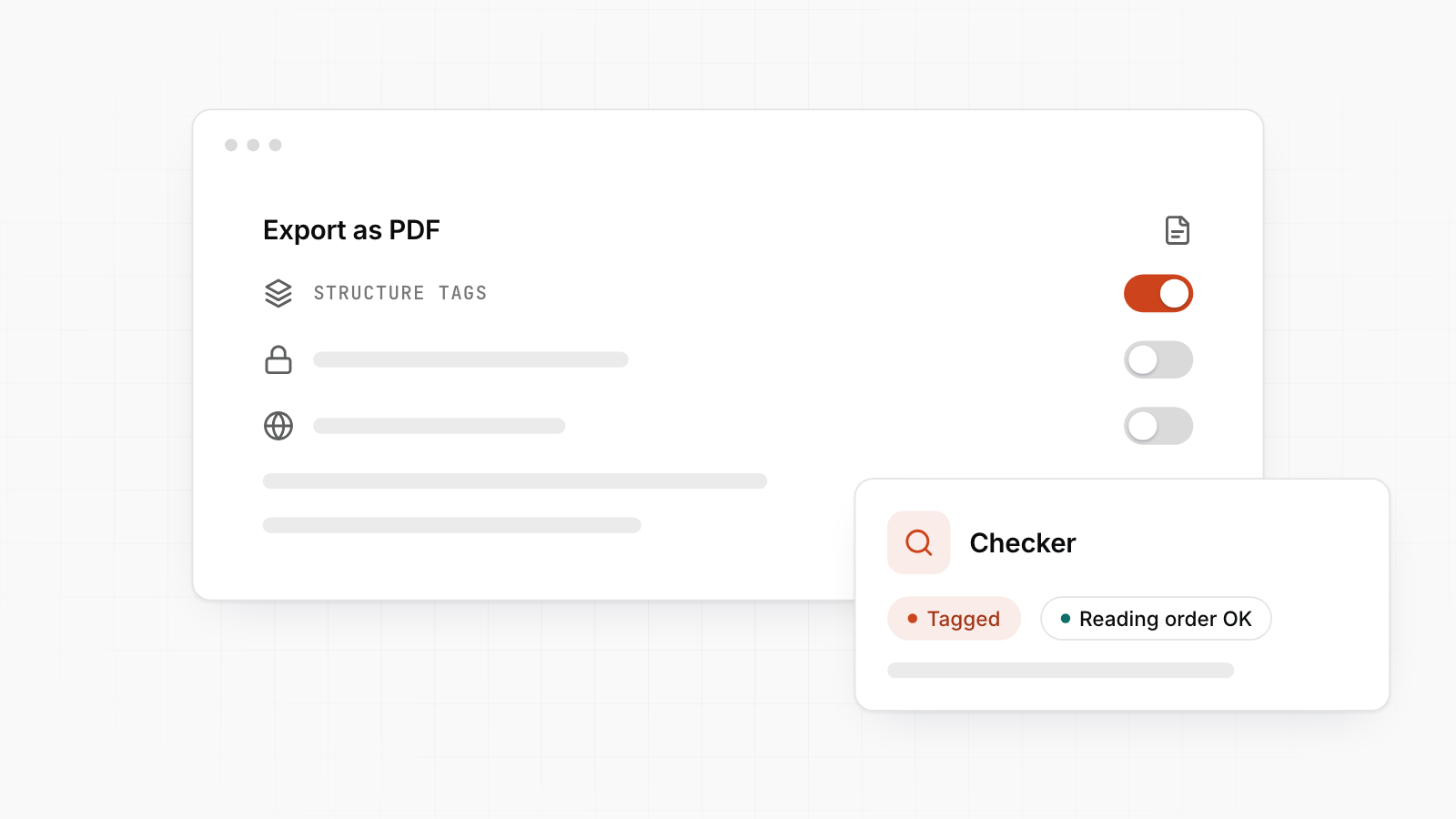
A screen reader can only read a PDF properly when the file has tags: hidden labels that say what each piece is and what order to read it in. Without them the reader guesses, and on a two-column report or a table it usually guesses wrong.
A PDF that works with a screen reader has:
- tags for headings, paragraphs, lists and tables, with headings in order from H1 down
- a reading order that matches the order a sighted reader would follow
- alt text on every meaningful image, and decorative items marked as artifacts so they are skipped
- real, selectable text, so a scanned page needs OCR first
- table header cells marked as headers
- labelled form fields with a sensible tab order
- the document language and a title set in its properties
- bookmarks on longer documents
Passing the Accessibility Check in Acrobat does not prove the file meets WCAG or PDF/UA. It only confirms that tags exist, not that they are correct. The usual tests are PAC, a free PDF/UA checker, plus listening to the file in a screen reader such as NVDA, which is also free.
What public sector sites must do
Public sector websites must meet WCAG 2.2 AA under the 2018 accessibility regulations, and that includes documents, with exemptions for most PDFs published before 23 September 2018 unless they are needed to use a service. The detail, including why gov.uk prefers HTML to PDF, is in the gov.uk guidance on publishing accessible documents.
Five ways to fix PDF accessibility compared
The main difference between the five routes is where the fix happens: in a web page, in the source file, or in the PDF after export. The table gives typical figures as a guide. Remediation prices come from published vendor price lists, most of them in US dollars or euros, converted roughly to pounds. Staff time figures are estimates from vendor and case study sources. Check current prices before you commit.
| Route | Cost per page (guide) | Quality | Suits | Watch for |
|---|---|---|---|---|
| Publish as a web page instead | Staff time to move the content into your CMS | Best for screen readers, phones and search | Guidance, policies, reports and anything people read on screen | Complex tables and charts take a lot of work to rebuild, and the PDF may still be needed for print |
| Fix the source file in Word or InDesign | Staff time, minutes a page if the file already uses styles | Good for text and simple tables, if the exporter's tag settings are right | Documents your team writes and updates regularly | InDesign exports need checking in Acrobat afterwards, and a file built with manual formatting needs restyling first |
| Fix in Acrobat Pro in-house | Staff time, from a few minutes on a simple page to 15 to 30 minutes or more on a complex one | Good if the person is trained, poor if not | A small, steady flow of documents and one or two trained people | Every fix is lost when someone edits the source and exports again, and untrained staff tend to accept auto-tag errors |
| Automated tagging tool | About £1 to £5 a page, or a subscription | Reasonable on simple text, unreliable on tables, forms and reading order | Large archives of plain text documents where some checking is planned | Passing the tool's own checker does not mean the tags are correct, and someone still has to review complex pages |
| Outsourced remediation | About £2.50 to £10 a page for standard pages, roughly £8 to £25 or more for complex pages and forms | Good from a specialist that checks by hand and tests with PAC and a screen reader | Backlogs, complex documents, and teams without time or training | Minimum orders, vague promises of "compliance", and per-document prices that hide page counts |
| AppBespoke | $9 a standard page and $18 a complex page, roughly £7 and £14 | Passes PAC, checked by a person against WCAG 2.1 AA and PDF/UA, fixed free within 30 days if it fails | A batch of reports or a monthly flow of documents that must stay as PDFs | Minimum order of $300, prices and invoices in US dollars, and not worth it for a few simple files |
Publish the content as a web page instead
Publishing as HTML means most readers never need the PDF. A web page reflows on a phone, works with screen readers, shows up in search and is easier to update. Gov.uk guidance treats a new PDF as a last resort for this reason, and some councils, Renfrewshire among them, have stopped publishing PDFs on their websites.
The cost is staff time in your CMS. For text-heavy guidance it is often less work than remediating the PDF. Long statistical tables, charts and designed brochures take longer to rebuild, and some teams still need a PDF for print or archive. In that case, publish the HTML version as the main one and keep the PDF alongside it.
Fix the source file and export again
If you fix the source, the accessible version is the one your team keeps editing. In Word, use real heading styles, add alt text, mark table header rows, then export with "Document structure tags for accessibility" ticked in the PDF options. LibreOffice has a PDF/UA option on its export screen. InDesign can export tagged PDFs if the styles map to tags, but the result usually needs a check and some tidying in Acrobat.
We recommend this most for documents that get updated every year, such as annual reports, policies and committee papers. A PDF fixed after export loses every fix when someone exports a new version.
Fix in Acrobat Pro in-house
Fixing PDFs in Acrobat Pro in-house works when you have a trained person and a modest flow of documents. The work is running auto-tag, correcting the tag tree and reading order, adding alt text, fixing table headers, and then testing.
Speed depends on the page. A simple text page can take a few minutes. A complex page with a table or form can take 15 to 30 minutes or more, by one vendor's estimate. One UK public sector body that faced 500 flagged PDFs estimated half an hour each and £15,000 to £20,000 in staff time. Training is available, including Acrobat remediation courses listed on the G-Cloud Digital Marketplace.
A 2025 study found that Acrobat's auto-tag often gets heading levels wrong and that most participants did not correct its errors, so untrained staff will pass files that still read badly.
Automated tagging tools
Automated tagging tools add tags to a PDF with little or no human input, and some now use AI to guess structure. Recite Me, Equidox and CommonLook are examples sold to the public sector, and Adobe offers auto-tag through Acrobat and its APIs. Published prices for automated remediation run from under a pound to a few pounds a page.
They do well on plain text in a single column. Vendors themselves say they are unreliable on tables, forms and reading order, and their accuracy figures for scanned documents are lower still. Treat the output as a first pass, and plan for a person to check any page with a table, a form, a chart or more than one column.
Outsourced remediation
Outsourced PDF remediation services have a specialist fix the PDFs by hand, usually with tools to speed up the simple parts, and hand back tested files. UK suppliers include Zoonou, Labscape and Be Accessible, and Labscape lists PDF testing and remediation on the G-Cloud Digital Marketplace. Many UK suppliers quote per job rather than publishing rates. Published rates elsewhere run from about £2.50 to £10 a page for standard pages, with complex pages and fillable forms costing more.
When comparing quotes, check four things: what makes a page "complex", whether a person checks every page, which standard the files are tested against, and what happens if a file fails after delivery. A supplier that promises your organisation will be "compliant" is promising something no document supplier can decide.
How to choose a route for your backlog
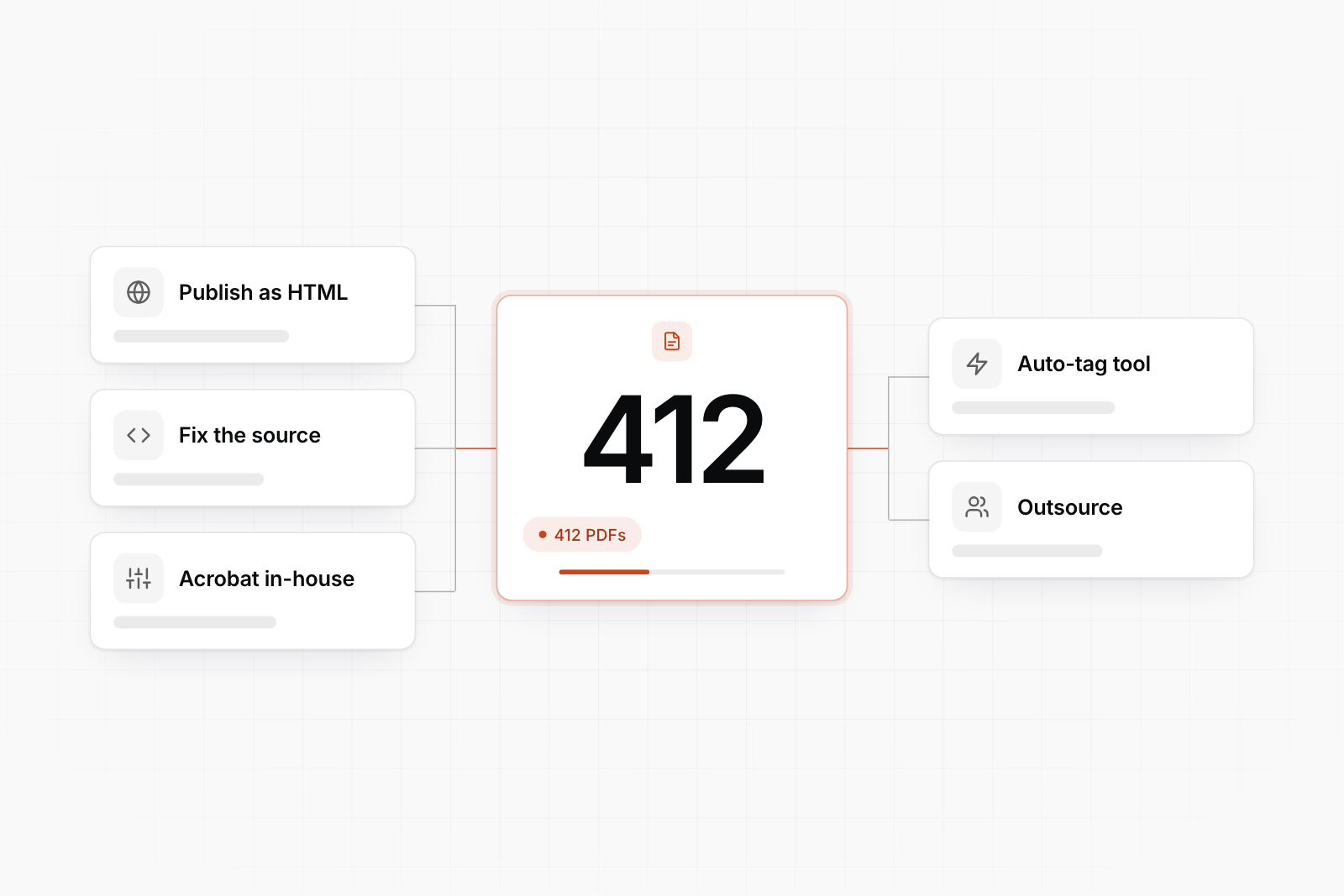
Choose a route for each type of document rather than one for the whole backlog. Most backlogs are a mix, and sorting them first saves most of the cost.
- Remove what you do not need. Out-of-date documents can be unpublished or archived. Most PDFs from before 23 September 2018 are exempt unless they are needed to use a service.
- Move reading content to HTML. Guidance, policies and news-style reports usually belong on a web page.
- Fix the source for anything you republish. Set up accessible Word and InDesign templates so new versions come out tagged.
- Fix the rest as PDFs. Simple pages can go through Acrobat in-house or an automated tool with checks. Outsourcing pays for complex pages, forms and large batches.
One remediation vendor's rough guide is that doing it in-house only becomes cheaper than outsourcing at around 500 to 1,000 pages a month per trained person. Below that, training and checking tend to cost more than paying per page.
What we charge, and our limits
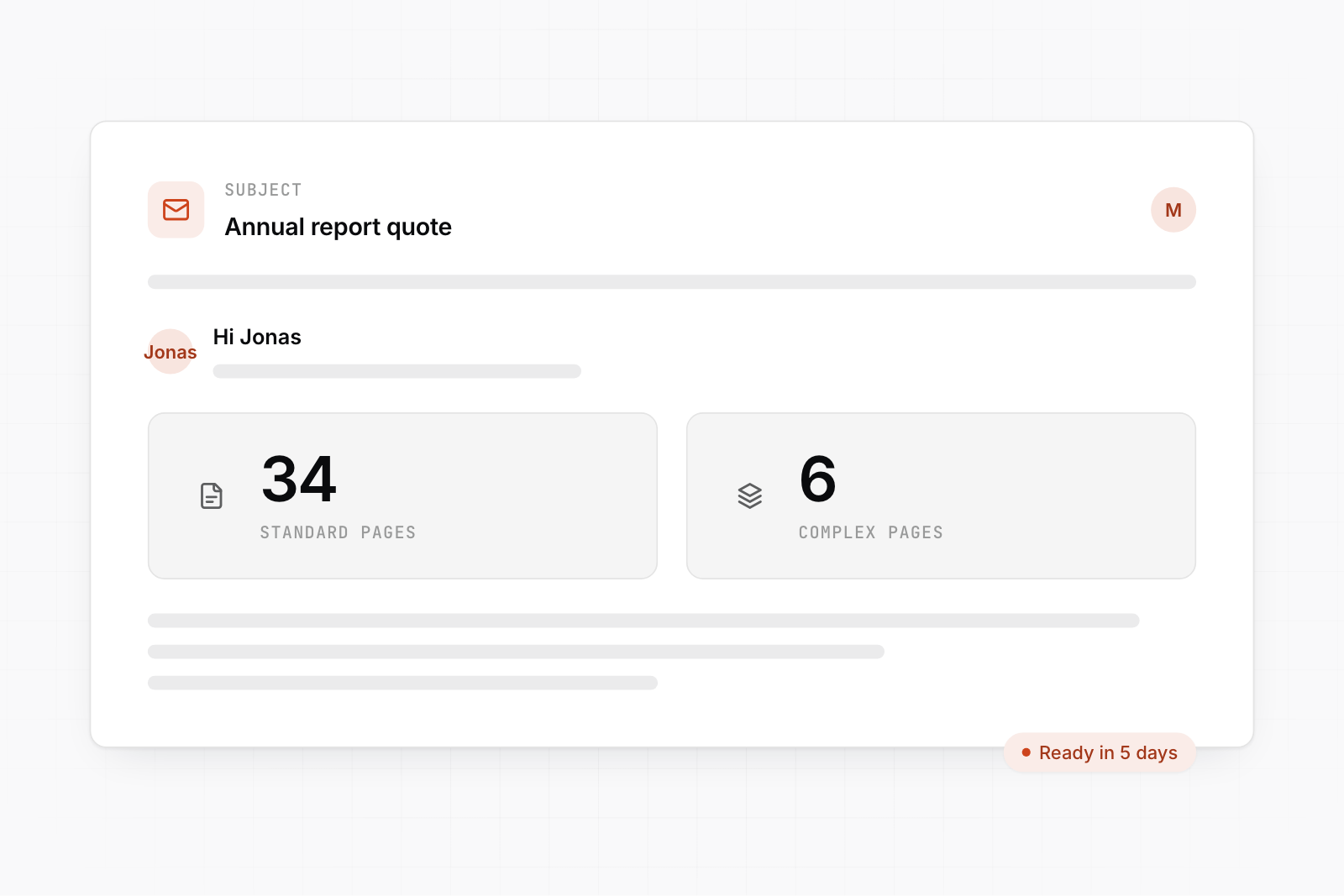
We remediate PDFs at a published rate of $9 a standard page and $18 a complex page, roughly £7 and £14 at current exchange rates. Complex pages are those with data tables, form fields, charts, multi-column layouts or footnotes. Details are on our PDF remediation service page.
What you get:
- Turnaround of 5 business days for up to 200 pages, or 2 days for 50% more.
- Every file passes PAC and is checked by a person against WCAG 2.1 AA and PDF/UA.
- If a file fails, or your reviewer finds an accessibility error, we fix it free within 30 days.
- 10 pages free for an organisation that has not used us before, so you can judge the work first.
- A monthly plan at $750 for up to 100 standard pages, with a 3-day turnaround.
Our limits:
- Our page shows prices and invoices in US dollars. If your finance team can only pay in pounds, ask before you order.
- The minimum order is $300.
- We check against WCAG 2.1 AA and PDF/UA. The criteria WCAG 2.2 added mostly cover interactive content such as focus and target size, which static documents rarely have, but tell us if your batch includes forms.
- We fix files. We do not decide whether your organisation meets the regulations, and nobody selling you documents can.
When we are not the right choice
We are not the right choice if you have a handful of simple documents. A few text-only PDFs made in Word can be fixed by restyling the source and exporting again, which a trained member of your team can do in an afternoon. Paying a minimum order for that is a waste.
We are also the wrong choice if most of your PDFs should be web pages. Moving content into your CMS is work your own content team is best placed to do, and it fixes the problem for good. If you must buy through a framework such as G-Cloud, use a supplier listed there.
Next step
If you have a PDF backlog and want help sorting what to move to HTML, what to fix at source and what to remediate, book a 30-minute video call with us. If there is a larger job behind it, such as moving documents into a proper web publishing system (what that costs to build), our £750 technical planning day is the next step once we know it is a fit.
FAQ
FAQs
How do I make our PDFs accessible for screen readers?
Start with the source file. Use real heading styles, add alt text, mark table header rows and export with accessibility tags turned on. Then check the PDF with PAC and listen to it in NVDA. If the source is lost or the PDF was scanned, the PDF itself needs remediating in Acrobat Pro, with a tool or by a specialist.
Who can fix PDF accessibility for a public sector website?
Your own content team can fix simple documents with training. For larger backlogs, specialist suppliers include Zoonou, Labscape, Be Accessible and us. Labscape is listed on the G-Cloud Digital Marketplace for PDF testing and remediation. Ask any supplier how they define a complex page, who checks the files and what they do if a file fails after delivery.
How much does PDF remediation cost per page?
Published rates for manual remediation run from about £2.50 to £10 a page for standard pages, with complex pages and forms at roughly £8 to £25 or more. Automated services are cheaper, from under a pound to a few pounds a page, but need checking. Many UK suppliers quote per job, so ask for the page count and the split between standard and complex pages.
Is Adobe Acrobat auto-tagging accurate enough?
It is a reasonable start on simple, single-column text. On headings, tables, forms and multi-column layouts it often gets the structure wrong, and passing Acrobat's own checker does not prove the file meets WCAG or PDF/UA. Check auto-tagged files in PAC and a screen reader before publishing.
Should we publish HTML instead of PDF?
For most content read on screen, yes. Gov.uk guidance prefers HTML, and it works better on phones and with assistive technology. Keep a PDF only where there is a clear need, such as print, and publish the HTML version alongside it.