Key takeaways
If the knowledge already sits in Microsoft 365, Notion or Confluence, their built-in AI search is usually the cheapest answer. Try it before paying anyone to build.
Hosted company search products such as Glean connect many tools at once, but they are priced for larger organisations and take months to roll out.
A custom AI feature makes sense when the data lives in your own app's database and each user may only see their own records, team or clients.
Permissions drive most of the cost of a custom build. They have to be checked before any text reaches the model.
Prices here are a guide from public pricing pages and our own projects, not quotes.
If your company knowledge already lives in Microsoft 365, Notion or Confluence, switch on the AI search those tools include, which costs roughly £5 to £25 a user a month and respects the permissions you already have. The cost to add AI features to an existing web app of your own is typically £12,000 to £25,000 to build, plus tens to a few hundred pounds a month to run, which is worth paying when the data lives in your app and answers must follow its access rules.
We are a Glasgow-based team that adds AI features to existing products. This post compares three routes for teams that already have software in place: the AI built into tools you pay for, a hosted company search product, and a custom feature built into your own app. For each we cover build cost, running cost, permissions and where your data goes, and we say when we are the wrong choice.
Three ways to add AI search to company knowledge
There are three ways to add AI search over a company knowledge base: use the AI already built into tools you pay for, buy a hosted search product that connects to many tools, or build an AI feature into your own app. All three read your content, find the passages that match a question and pass them to a language model to write the answer. They differ in who holds the data, who decides what each user can see and how the bill grows.
| Route | Build cost | Monthly cost (guide) | How it respects permissions | Where the data goes | Watch for |
|---|---|---|---|---|---|
| AI in tools you already use (Microsoft 365 Copilot, Notion AI, Confluence with Rovo) | None. Setup is a licence change and some tidying of who can see what | Copilot Business £16.10 a user, Copilot for larger firms £23.10 a user (UK, ex VAT, annual). Notion Business about $20 a user with AI included. Rovo included in paid Confluence plans | Uses the permissions already set in that tool. A user only gets answers from content they can open | Stays with the vendor you already use, processed under their terms | Only searches that vendor's content. Loose sharing settings mean loose answers. Usage limits on some plans |
| Hosted company search (Glean, Guru, GoSearch and similar) | Little or no code, but weeks to months of setup to connect sources and map permissions | No public price for Glean. Third-party reports put it at roughly $45 to $75 a user, with a minimum around 100 seats. Guru and GoSearch publish lower per-user prices | Reads each connected tool's permissions and checks them when you search | A copy of your indexed content sits in the vendor's cloud, unless you pay for a self-hosted option | Per-seat cost across the whole company. Annual contracts. Connectors for your own app may not exist |
| Custom AI feature in your own app | £12,000 to £25,000 for search over your app's records with per-user access. More with outside sources | Hosting £20 to £100, model usage tens to a few hundred pounds, plus upkeep | Uses your app's own login and access rules, checked on every question | Your database and cloud account. Only the matched passages go to the model provider, on zero-retention terms or to a model in your own cloud | You own the upkeep. Only worth it if the data and rules live in your app |
| AppBespoke | We build the custom route as a service your existing app calls, with tests and cost tracking | Priced by scope after a £750 planning day | Your app's rules, enforced before the model sees anything | You own the code and the accounts | We do not resell or set up Copilot, Glean or Notion, and we do not run company-wide search programmes |
When the AI in your existing tools is enough
The AI built into Microsoft 365, Notion or Confluence is enough when the documents people need are already in that tool. You pay nothing to build, and it shows each person what they could already open.
Microsoft 365 Copilot answers from mail, Teams, SharePoint and OneDrive. In the UK, Copilot Business for organisations of up to 300 users is listed at £16.10 a user a month on an annual plan, and the main Copilot add-on at £23.10, both before VAT. Notion's Business plan includes its AI search at about $20 a user a month. Atlassian includes Rovo in paid Confluence plans. These prices have changed several times this year, so check each vendor's page before you budget.
The work is in the setup. These tools show a user anything they are allowed to open, so a folder shared with "everyone" by mistake turns up in answers. Before you switch AI on, review who can see your HR, finance and client folders.
This route cannot reach content outside that tool. Copilot cannot answer from your own app's database, and Notion AI cannot see your customer portal.
When a hosted company search product fits
A hosted search product fits a larger organisation whose knowledge is spread across many tools, each with its own permissions. Glean, for example, lists connectors for over a hundred tools, including Slack, Google Drive, Confluence and Salesforce.
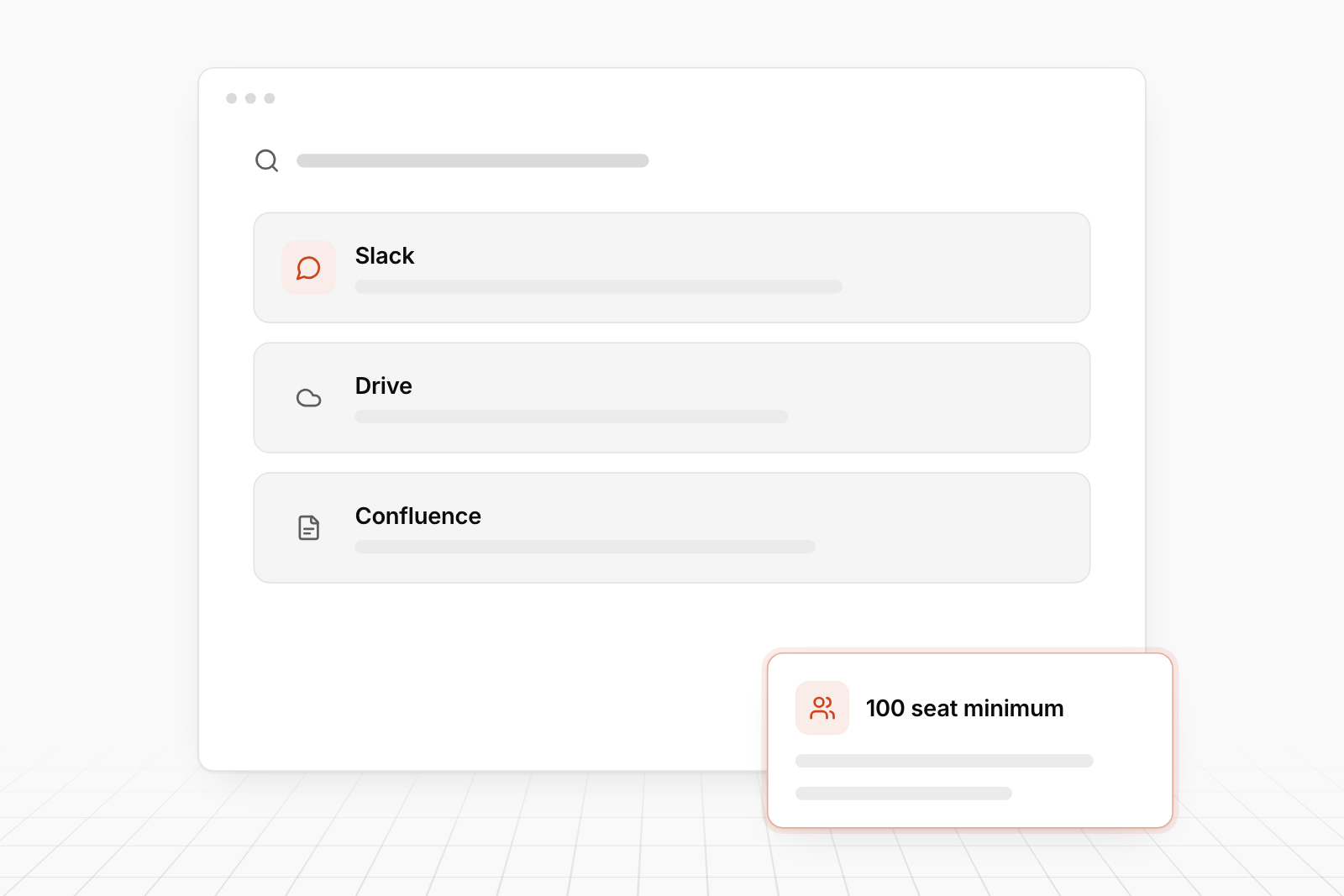
These products copy your content into their own index and check each source's permissions when someone searches. If those permissions are wrong, the product repeats the mistakes, because your tools are its only record of who can see what.
For a small business, cost is the problem. Glean does not publish prices. Figures from reviewers and competitors put it at roughly $45 to $75 a user a month on annual contracts, with a minimum of around 100 seats, and setup reportedly takes three to six months with IT involved. Smaller products such as Guru publish per-user prices from about $25 a month, with fewer connectors.
These products connect to popular tools. If your team's knowledge sits in a bespoke app, there may be no connector, and building one is custom work anyway.
When a custom AI feature in your own app makes sense
A custom AI feature makes sense when the content lives in your own app and the answer depends on who is asking. Typical cases: a client portal where each customer sees only their own documents, a case management tool where staff only see their team's cases, or an internal tool whose records no outside product can read.
What we build
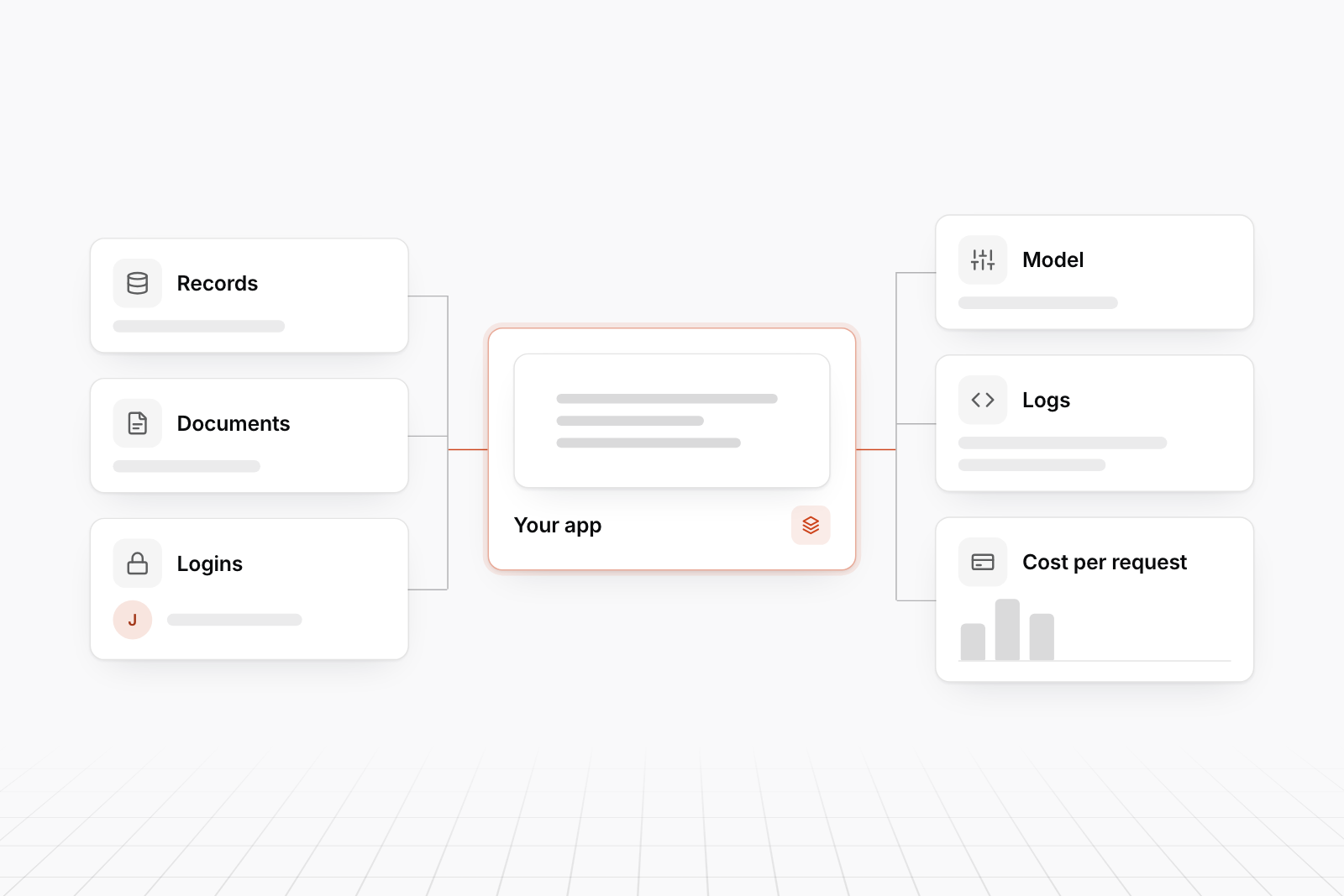
We usually build the AI part as a separate service with its own API, which your existing app calls. Nothing in your app has to be rebuilt. The service does four jobs:
- Index your content. Records and documents are split into passages, turned into embeddings and stored, often in the database you already run.
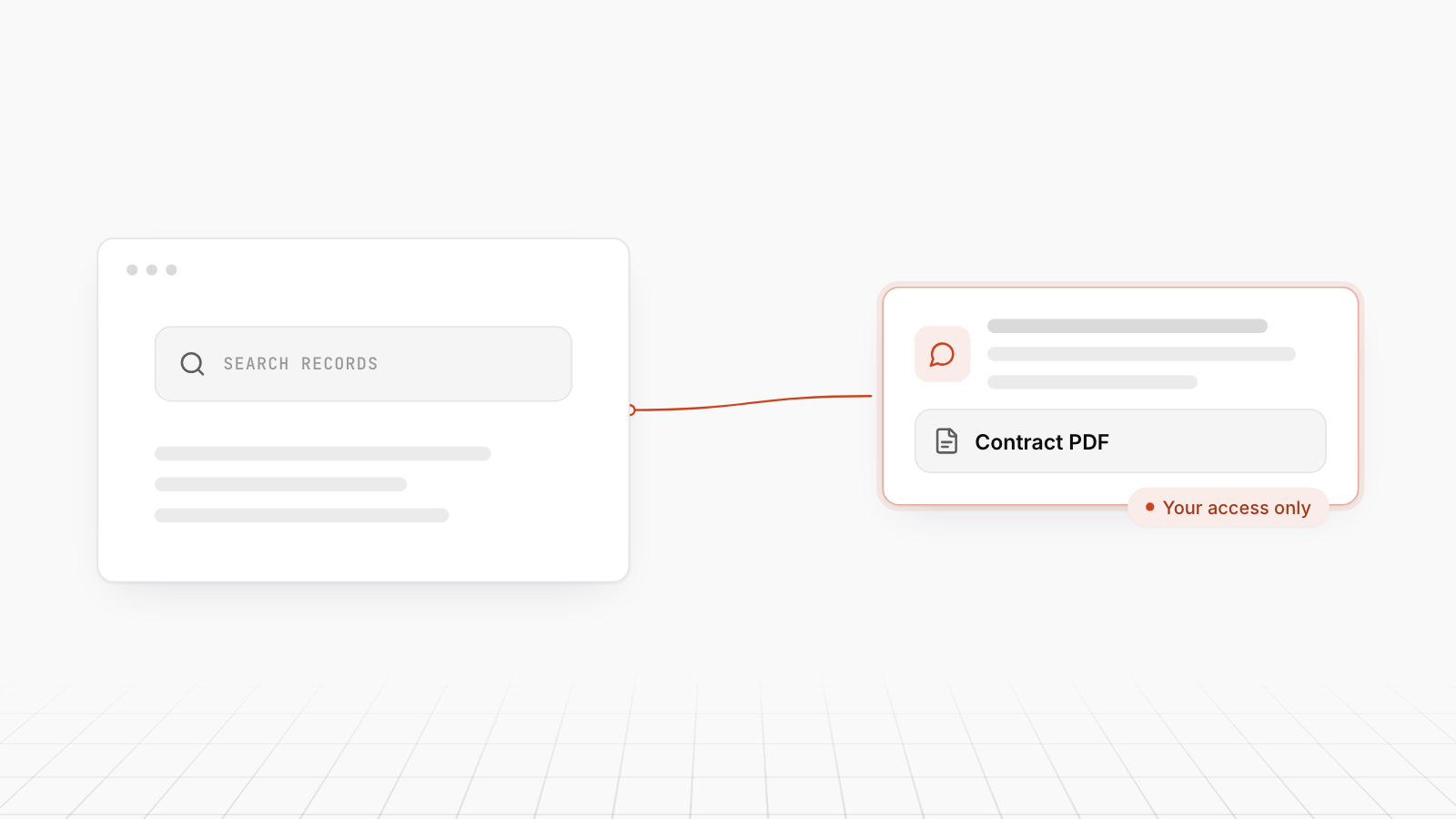
- Filter by permission first. Each passage carries the same access tags as the record it came from. A search only looks at passages the logged-in user can see.
- Answer with sources. The matched passages go to a language model, which writes an answer and cites the records it used.
- Log and measure. Every question, every passage returned and every model call is logged, with a cost per request.
The same service can then take on other AI features, such as summarising a long case history, classifying incoming records or drafting a reply from a template.
What it costs to build
As a guide, AI search over your app's own records with per-user access typically costs £12,000 to £25,000 and takes six to ten weeks. A single AI feature with no search, such as summaries or classification, can cost less. If the search also has to pull in outside sources such as SharePoint or Google Drive and keep their permissions in step, it costs more.
| Scope | Example price | Typical timeline |
|---|---|---|
| One AI feature on data your app already holds, such as summaries or classification | £5,000 to £12,000 | 3 to 6 weeks |
| AI search over your app's records with per-user access, cited answers and logs | £12,000 to £25,000 | 6 to 10 weeks |
| Search across your app and outside sources, with permission sync and admin reporting | £25,000 and up | 10 weeks and up |
These are examples to help you budget, not quotes. The permission rules affect the price most. A simple rule such as "each customer sees their own files" is quick to apply. Layered rules, with team, client, role and per-document overrides, take longer to map and much longer to test.
What it costs to run
Hosting for the service is typically £20 to £100 a month. Model usage is billed by the amount of text sent and received. For an internal tool with a few dozen users it is often tens of pounds a month, and it rises with volume and model size. For upkeep, we suggest budgeting 15% to 25% of the build cost each year. Our post on the cost to maintain a custom web application goes into upkeep in more detail.
There are no per-seat charges, so over a few years a custom build can cost less than a per-seat tool for a company with many users, and more for a team of ten. Our comparison of custom software and off-the-shelf SaaS over the long term sets out the same trade-off.
How AI search keeps each user to what they are allowed to see
AI search keeps each user to what they may see by checking access before any passage reaches the model, using the same rules as the app the search sits in. Developers call this RAG access control. If the model is handed a passage the user cannot see, it can repeat it, and no instruction in the prompt reliably stops that.
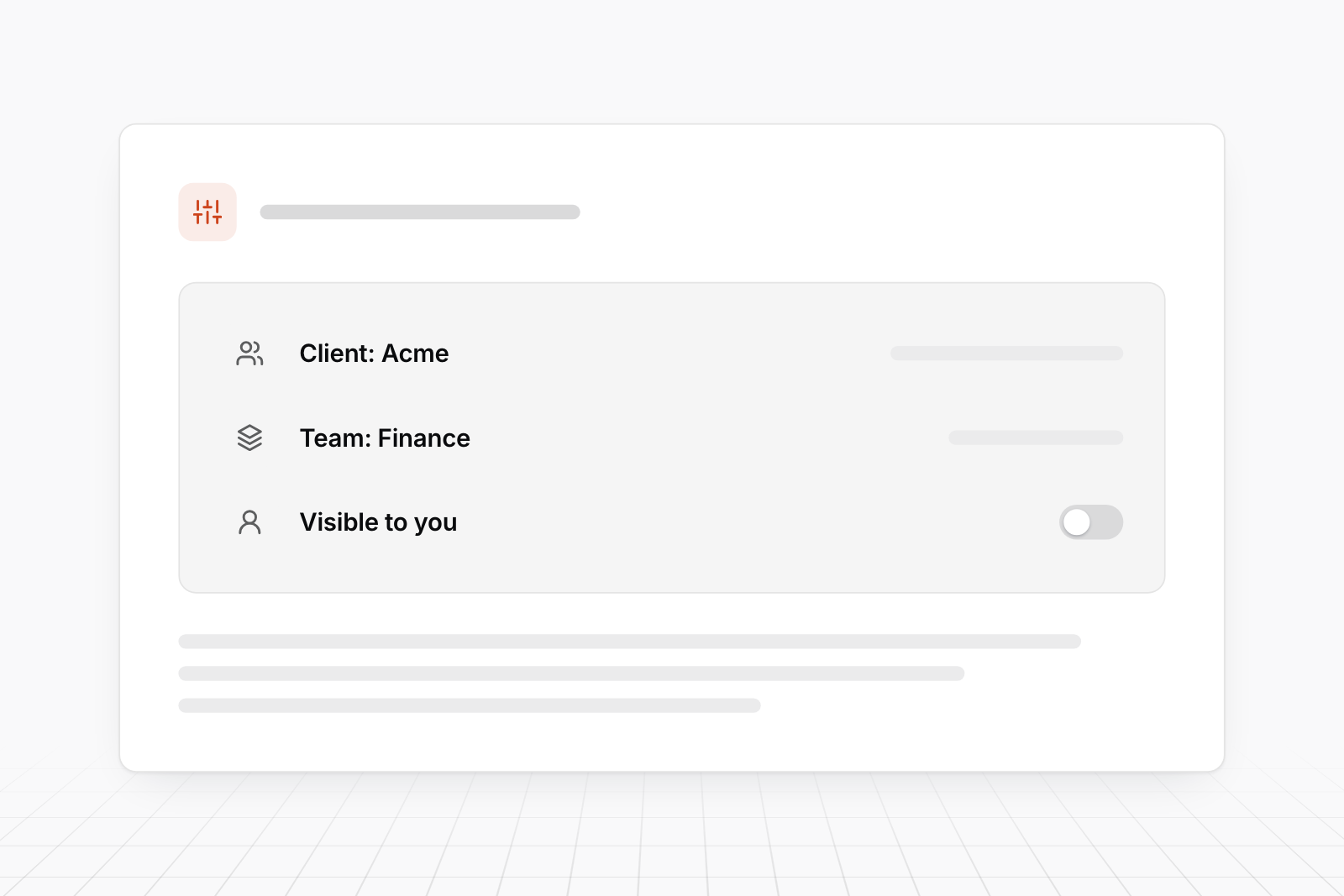
We do three things:
- Tag every passage when it is indexed with the access rules of its source record, such as client, team or role.
- Filter the search by those tags for the logged-in user, so excluded passages are never retrieved.
- Check again before building the prompt. Permissions change. Someone removed from a client yesterday should not see that client's files today just because the index is a day old.
The logs record which passages each user received, so if anyone ever asks who could have seen a document, you can answer.
Where your data goes with each route
With built-in tools, your data stays with the vendor you already use. With a hosted search product, a copy goes to that vendor. With a custom build, it stays in your own database, and only the passages needed for each answer go to a model provider.
For UK GDPR, we keep personal data out of prompts where we can and use providers' zero-retention options where we cannot. When the data must not leave your cloud account, we can run an open-weight model inside it. We document the data flows so they can go into your data protection impact assessment.
When we are not the right choice
We are not the right choice if your knowledge already lives in a tool with good built-in AI search. If your team works in Microsoft 365 and wants to "find the latest version of the pricing policy", Copilot will do that, and paying us to build search over SharePoint would waste your money.
We are also the wrong fit for company-wide search across dozens of tools for several hundred staff. A hosted product is built for that. If you have no existing app, or adding anything to it is risky in its current state, start there instead. Our post on modernising a legacy web application without a rewrite covers that first step, and our guide to who can build an AI tool for your business in Scotland covers starting from nothing. A chatbot that answers customers from public help pages is a different job, covered in our post on the cost to build an AI chatbot trained on your own documents.
Next step
If your knowledge lives in your own app and you want AI search or AI features that follow its access rules, book a 30-minute video call. We will look at where the data sits, how your permissions work and whether a built-in tool would do the job first. If a custom build fits, the next step is our £750 technical planning day, which ends with a phased plan and a cost range before you commit to anything.
FAQ
FAQs
How much does it cost to add AI features to our existing web app?
As a guide, a single AI feature such as summaries or classification costs £5,000 to £12,000 to add. AI search over your app's records with per-user access typically costs £12,000 to £25,000. Running costs are usually tens to a few hundred pounds a month for hosting and model usage, plus 15% to 25% of the build cost a year for upkeep. Your own scope can sit outside these ranges.
Who can add AI search over our company knowledge base?
If the knowledge base is in Microsoft 365, Notion or Confluence, your existing admin can switch on the AI search those tools include. If it is spread across many tools in a large organisation, a hosted product such as Glean is built for that. If it lives in your own app, you need a development team that can work in your codebase and apply its access rules. That is the work we do.
Can AI search respect our existing user permissions?
Yes, if it is built to. Built-in tools use the permissions already set in that tool. A custom feature should filter by your app's access rules before searching, and check again before anything is sent to the model. Telling a model not to reveal something is not a permission system.
Should we start with an off-the-shelf tool and build custom later?
Usually, yes. Turning on the AI in a tool you already pay for costs little and shows what people actually ask. If the answers they need sit in your own app, that is your case for a custom build, and it makes the scope easier to write down.
Do we need to train our own model?
No. Almost every AI search feature uses an existing model from a provider such as OpenAI, Anthropic or Google, and gives it the relevant passages from your content when a question is asked. Training a model is slow and expensive, and you would have to repeat it every time your content changed.